Chapter 3 - How to...
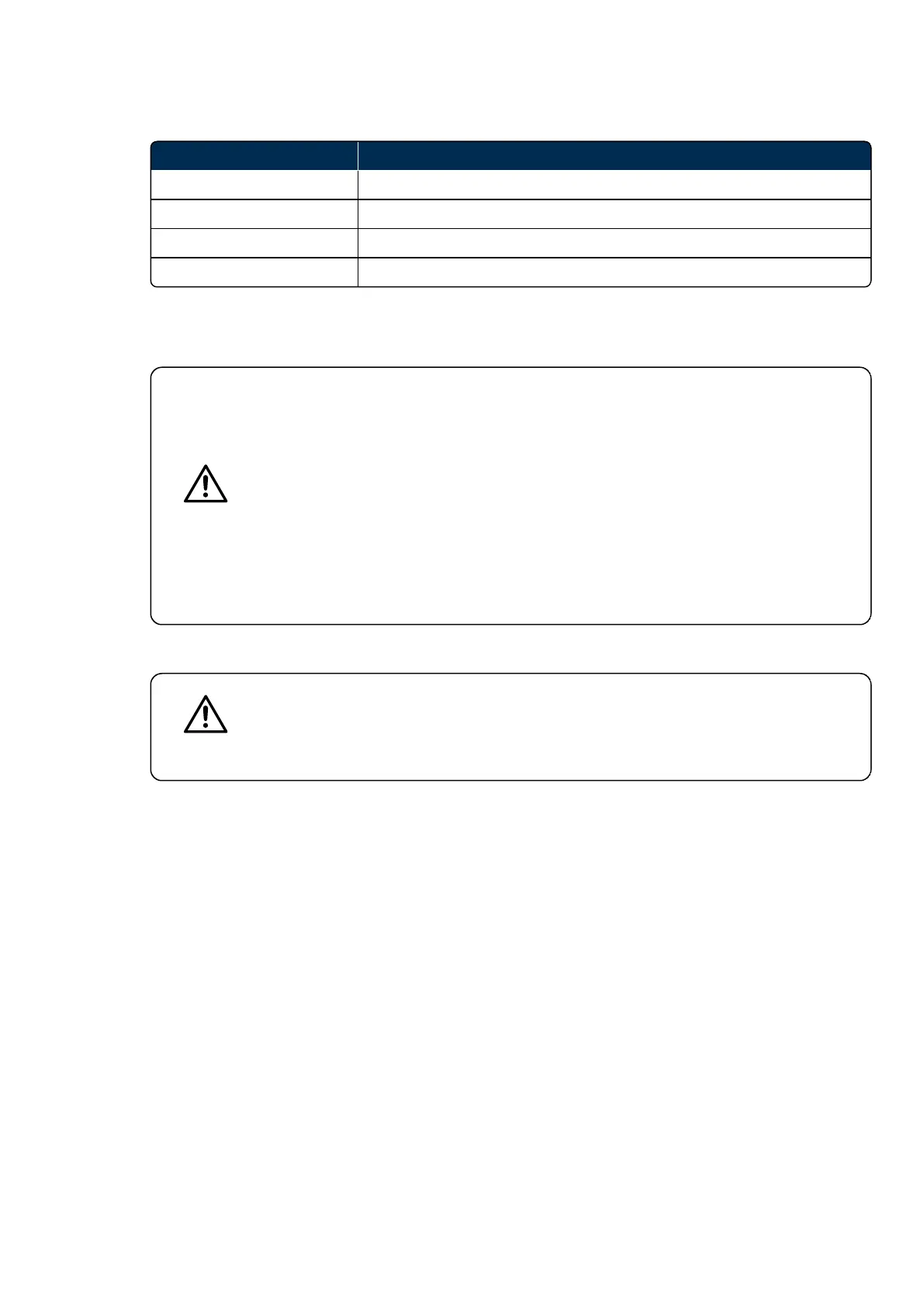
TABLE 7: List of status indicator lights
Status color Description
White Switching on and running self-tests
Green Ready for use
Yellow System error
Blue System in standby mode
3.4.8 Maintenance
User maintenance is restricted to cleaning and visual checks for external damage.
CAUTION
Your device will be installed by Optos trained personnel. Do not operate the device until
they have completed the installation and training.
Your Optos representative will configure the settings when the device is installed. These
settings should not be changed in the course of normal operation.
Please consult your Optos representative before changing the settings.
Do not remove the scan head covers. Only Optos trained technical personnel are
permitted to service the device.
The scan head weighs 45 kg (100 lbs) maximum. This requires two people to lift or carry
the unit.
You should be aware of your contractual obligations before disposing of any equipment.
3.4.8.1 Servicing
CAUTION
Do not open the scan head covers. There are no user serviceable or replaceable parts
inside.
Only Optos trained personnel are permitted to install and service the device.
Do not service the device when imaging a patient.
3.4.8.2 Warranty
The details of your warranty are included in your contract.
Part Number: G110230/1ENG Page 51 of 72
Copyright 2019, Optos plc. All rights reserved. English



 To Next Page