Chapter 3 - How to...
10. Review the scan results including SLO position and SNR.
11. Check the quality of the images, see What to do after OCT image capture on page46.
Note
l You can run individual auto-routines if the patient has changed position since alignment. Select the
auto-routine you want to run or select Redo OCT setup.
l The patient does not need to remain in position when the images are being processed.
3.2.8.1 The patient's view of OCT alignment
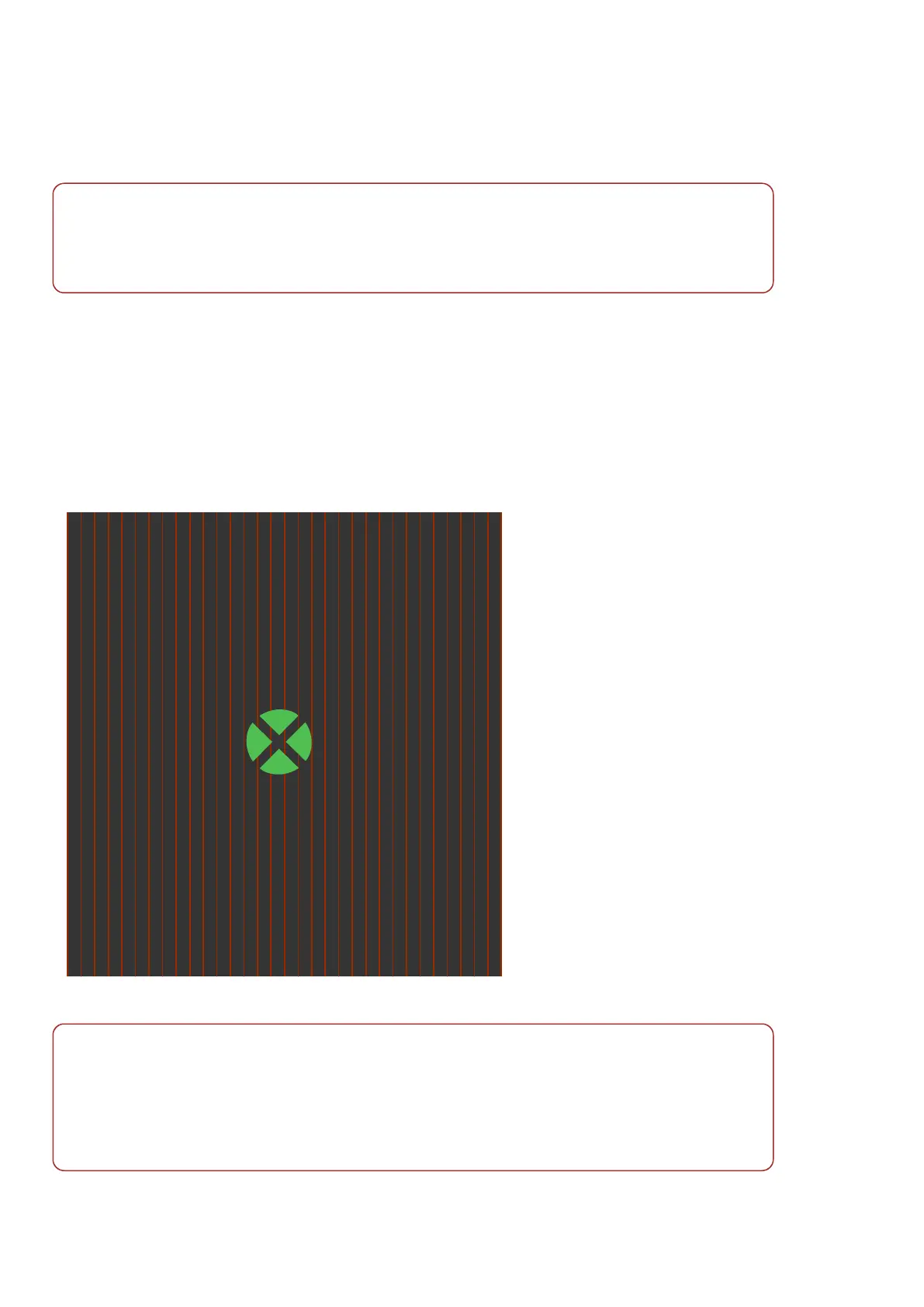
When in OCT capture mode the patient will see the following:
l Alignment target
l Tracking scan as a striped background
To reduce the possibility of movement artifacts the patient should maintain focus on the center of the green
alignment target. Ask the patient to keep their head still in the standard alignment during OCT imaging.
FIGURE 14: Indication of what the patient will see when being aligned for OCT imaging
Note
In some instances you may choose to ask the patient to align slightly off center. For example, when
capturing an ONH scan where the fovea to ONH distance is very wide, you may be unable to position the
scan location on the center of the optic nerve head. Ask the patient to look off center towards a suitable
reference point on the alignment target and recapture the optomap image.
For more information on the alignment targets, see Patient Alignment Guide on page71.
Page 44 of 72 Part Number: G110230/1ENG
English Copyright 2019, Optos plc. All rights reserved.



 To Next Page