Chapter 4 - Capture images
4.9.4 Artifacts - Clipping
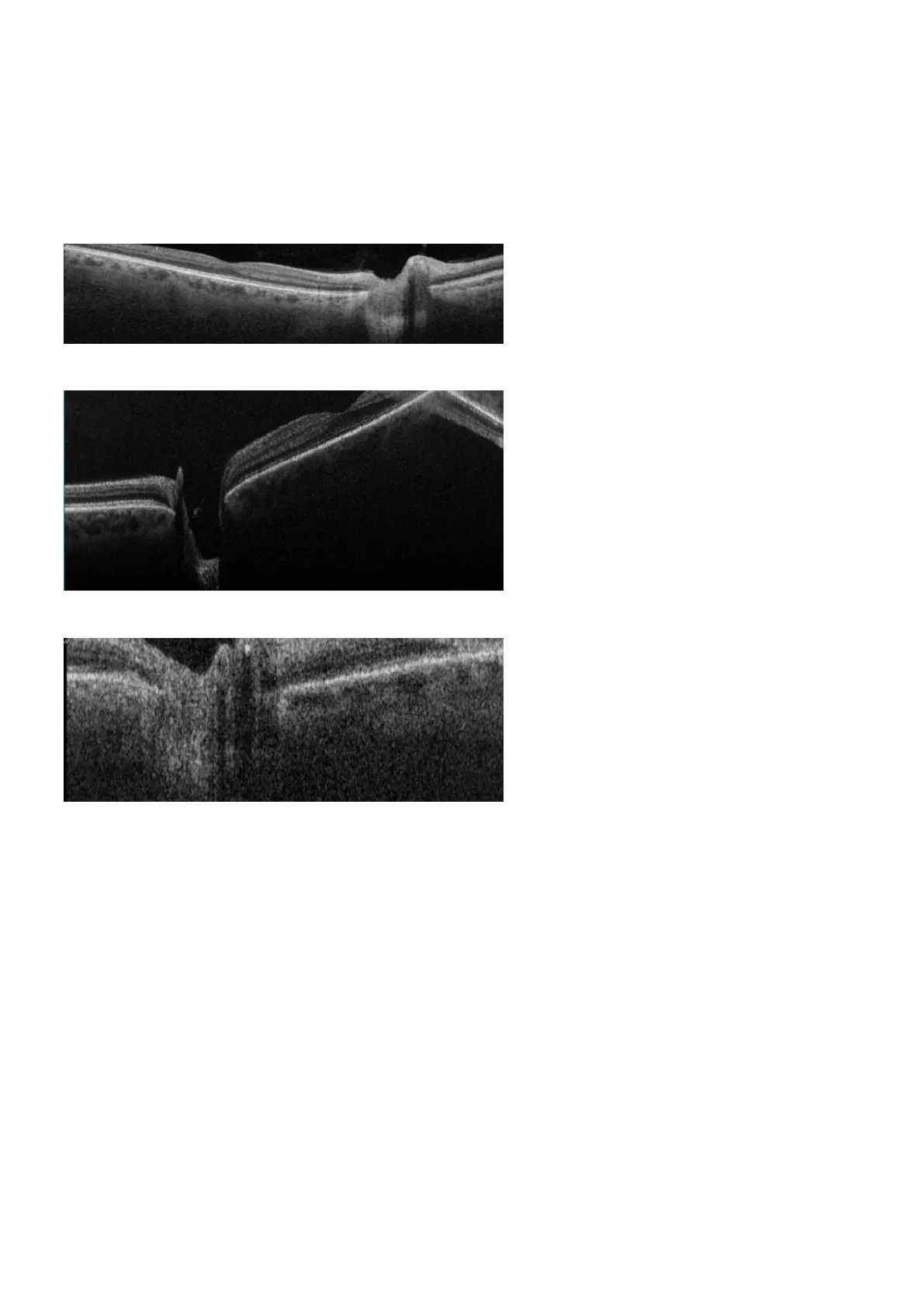
You must ensure that the live scan view properly shows the patient's retina. If the retina is too high or too
low the scan may clip the retina and some retinal data may be missing from the scan. The image should be
recaptured if the clipping is significant, or if it affects the scan of the fovea or optics disc. Clipping can be
ignored if it does not affect important structures such as the fovea or optic disc.
FIGURE 19: Example of clipped B-Scan.
FIGURE 20: Example of clipping near the fovea.
FIGURE 21: Example of clipping near the optic disc.
4.9.5 Artifacts - Alignment of essential structures
Depending on the structure being imaged, the essential structure at the center of the scan will change.
l The fovea should be in the center for all macula scans.
l The optic disc should be in the center for all optic disc scans.
You must ensure that the patient is looking at the center of the fixation target (see Using the hand control
on page33). You can make adjustments to live scan view include the key area of interest. The image
should be recaptured if the key area of interest is not in the center of the scan.
4.10 How to capture using Multi-mode
Multi-mode provides a workflow assistance mode. It allows the operator to perform a defined sequence of
SLO and OCT captures, by stepping through the desired mode settings.
Page 50 of 84 Part Number: G110230-003-ENG
English Copyright 2019-2021, Optos plc. All rights reserved.



 To Next Page