Chapter 5 - Review images
5 Review images
To record characteristics and observations of a patient's eye, OptosAdvance has a range of tools for noting
these observations in the patient's electronic medical record.
You can get help reviewing images in the software help files.
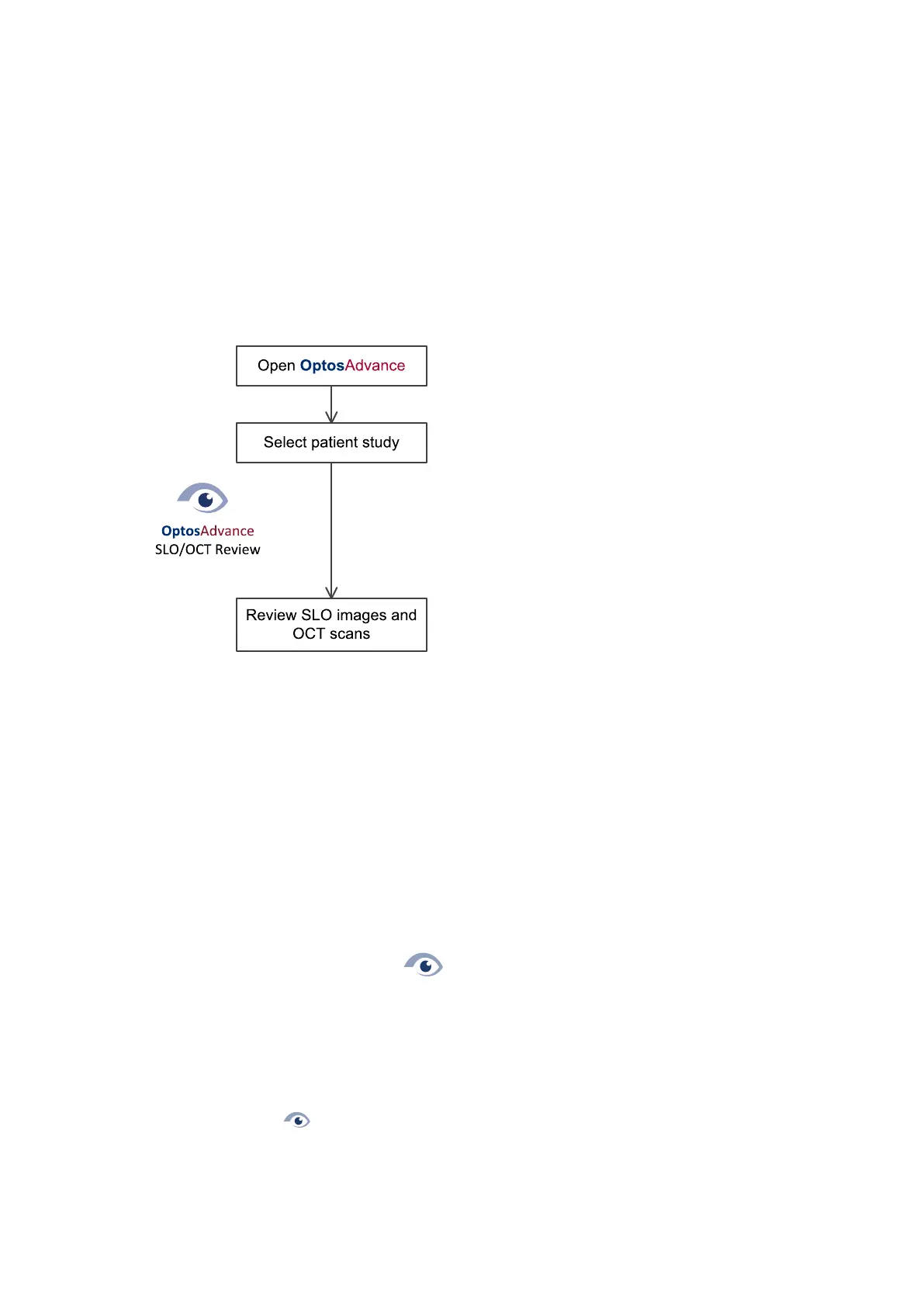
FIGURE 22: Reviewing images workflow
5.1 Starting the review software
Access OptosAdvance using any standard web browser (see Review client properties on page71).
5.1.1 How to start the application
1. Use your web browser to go to the address provided by your System Administrator.
2.
Enter your username and password, then select Login.
3. You can now search for a patient.
You can also run the OptosAdvance software from the following:
1.
Double-click the desktop icon .
2. Log in using your username and password.
5.2 Reviewing patient images and scans
Captured images and scans are displayed using the OptosAdvance software.
1.
Double-click to run OptosAdvance.
2. Log in using your username and password.
3. Select the patient.
Part Number: G110230-003-ENG Page 53 of 84
Copyright 2019-2021, Optos plc. All rights reserved. English



 To Next Page