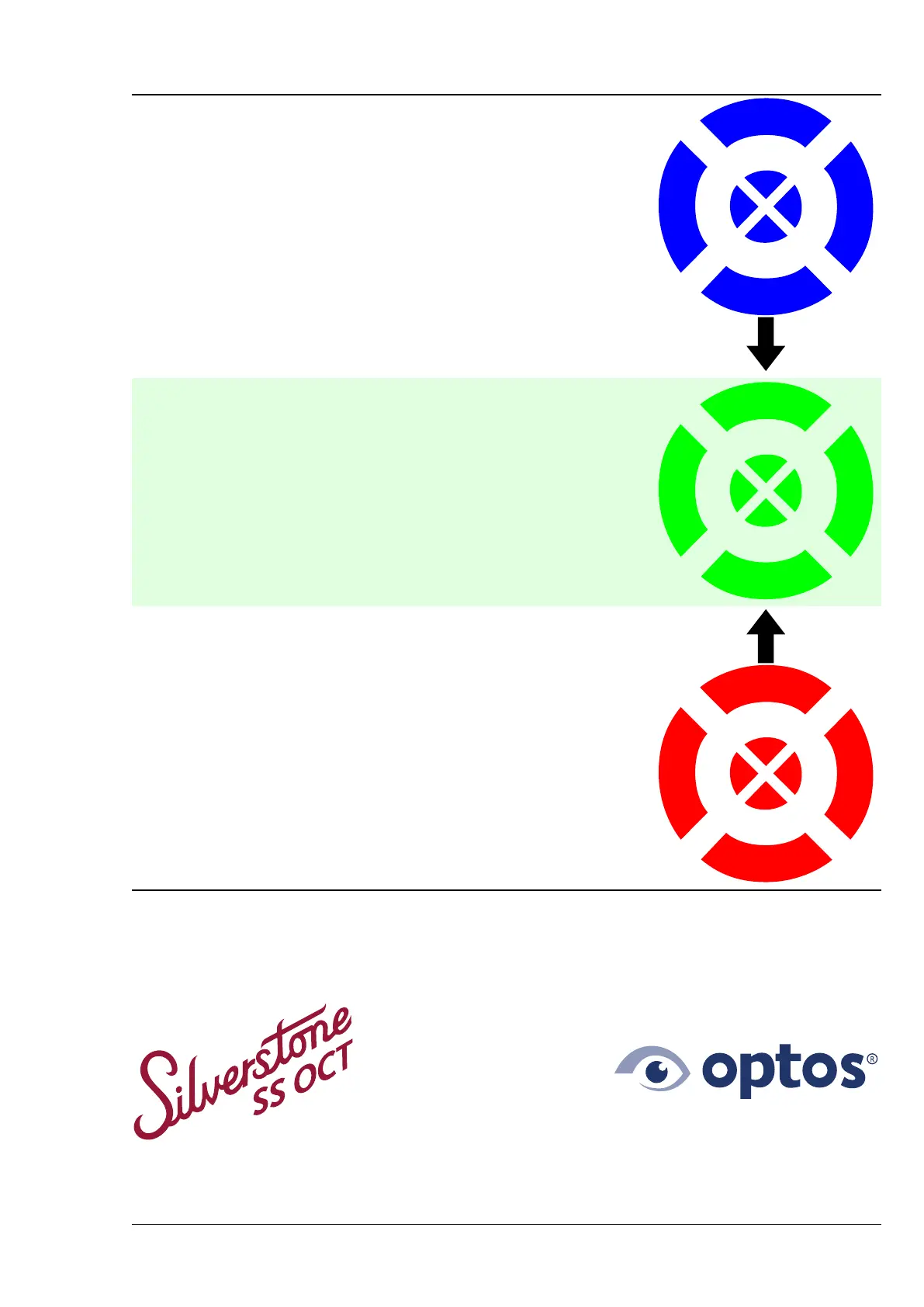
Patient Alignment Guide
Too far out
(Used for optomap alignment)
Correct positioning
Helpful tip: Stay still and keep looking at the center of the cross hairs. Keep
both eyes wide open.
(Used for optomap. OCT uses only the center of the pattern.)
Too close
(Used for optomap alignment)
Note: In some instances the operator may choose to capture an image when you are aligned to the blue or red
target, or when only the center is visible. When capturing OCT modalities the operator may choose to capture
an image when you are aligned slightly off center.
Part Number: G110230-003-ENG Page 83 of 84
Copyright 2019-2021, Optos plc. All rights reserved. English
Optos Inc
Tel: 800-854-3039
usinfo@optos.com
Optos plc
Tel: +44 (0) 1383 843 300
ics@optos.com
Optos Australia
Tel: +61 8 8444 6500
auinfo@optos.com



 To Next Page