3-64
OPERATION ORBAN Model 8400
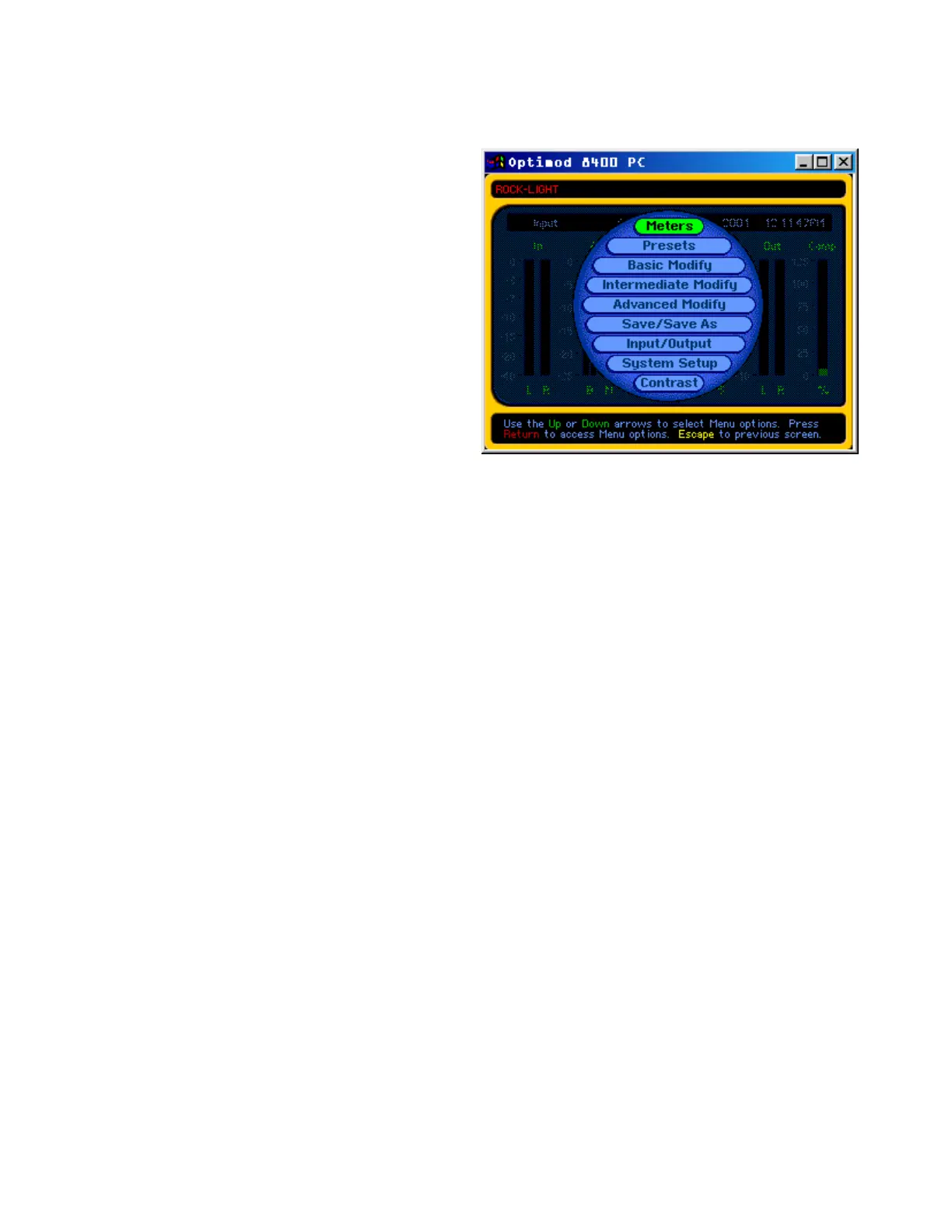
To choose an item on the main
menu: Double-click it.
To navigate to another screen
at the same menu level (if any):
Click the yellow left or right ar-
rows at the top of the current
screen.
To modify a control setting:
Choose either Basic, Intermedi-
ate, or Advanced Modify from
the main menu. To set a control,
click it (it will become high-
lighted) and then use the wheel
on the mouse to adjust it.
The
Basic Modify screen is acces-
sible after a short delay to recall the Less-More files from your local hard drive. If these
are missing, the PC Remote software will refresh your local hard drive by downloading
these files from the 8400. An informational screen appears while PC Remote downloads
the Less-More tables from the 8400.
If you do not have a wheel mouse, you can use the + and – keys on the numerical keypad
to adjust any control.
To recall a preset: Double-click the
Preset screen from the main menu. Click the desired
preset once. It will jump to the top of the screen. Click it again (when it is at the top of
the screen) to put it on-air.
Continuously clicking on the preset showing at the top of the screen will toggle between
the current and previous on-air presets.
To save a user preset you have created: Double-click the
Save/Save As screen from
the main menu. The current preset name will appear in a one-line window above the
“keyboard” on the screen. Click on the line, and edit it with your computer keyboard as
desired, using standard Windows techniques. Click on
Save to save the preset to the 8400
as a User Preset.
To archive a user preset onto your computer’s hard drive:
a) Double-click the Save/Save As screen from the main menu.
b) Click on Memory.
The Memory screen will appear.



 To Next Page