36
1. Set the counter.
1.
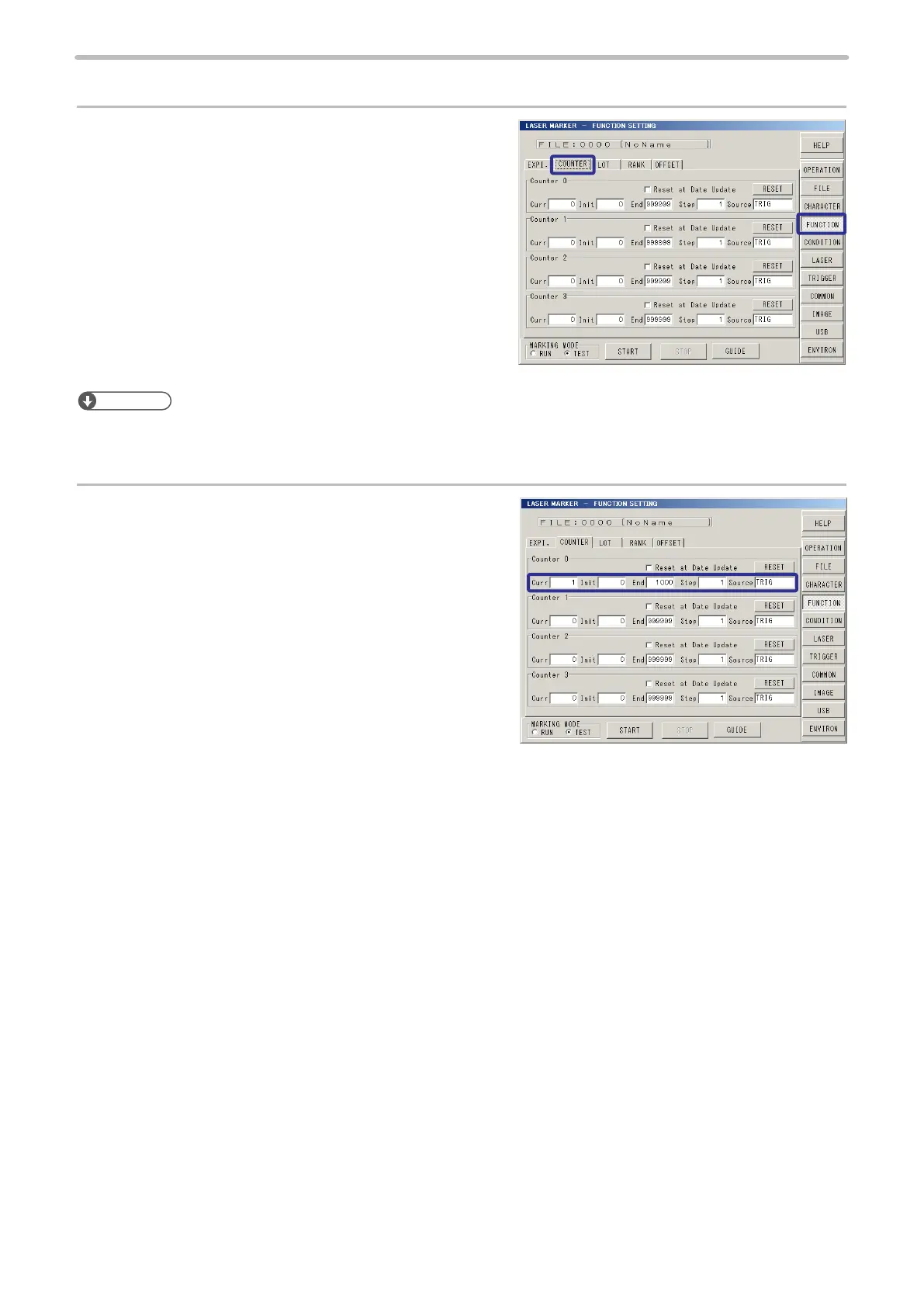
Press [FUNCTION], and press [COUNTER].
Here the condition is set to Counter No. 0.
Reference
• The counter is settable up to 4 per le (0 to 3). Other than this setting, the setting for “common counter” (4 to 7) that are
common to all les are available. For details, refer to “2-13-2 Common Counter” (P.207).
2.
Set “1” to [Curr] (current value).
Set “1” to [Init] (initial value).
Set “1000” to [End] (end value).
Set “1” to [Step].
Select “TRIG” (TRIGGER) for [Source] (Count
Source).



 To Next Page