47
1-3-7 Mark Step & Repeat
Sample
ABC
ABC
ABC
ABC
ABC
ABC
ABC
ABC
ABC
Starting Position: X=-20 mm
Starting Position: Y=20 mm
Column Step: 18 mm
Character Interval: 4 mm Character Width: 3 mm
Row Step: 10 mm
Character Height: 3 mm
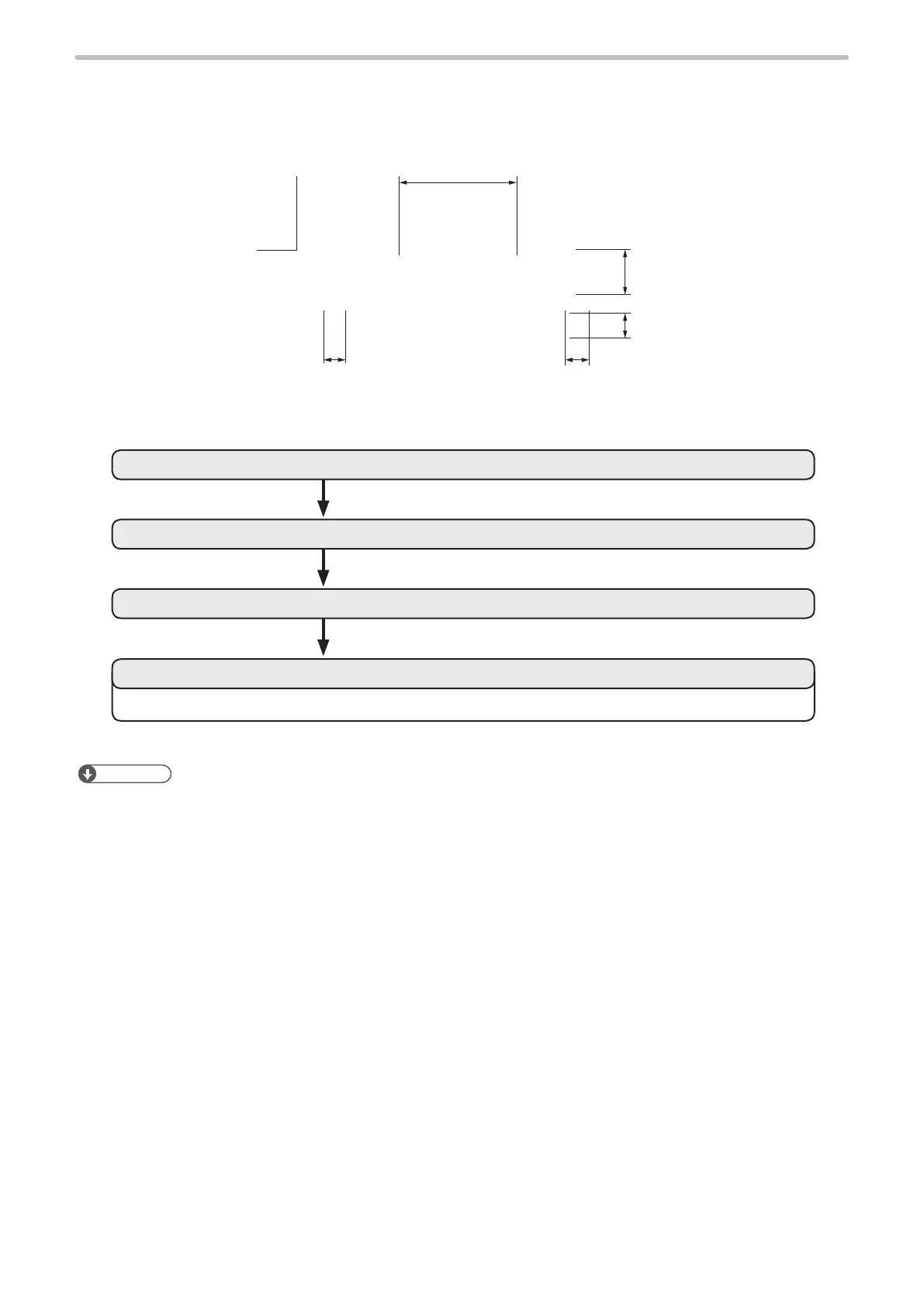
Mark “ABC” in 3 columns and 3 rows.
3. Set the conditions for Step-Repeat.
2. Set the character condition.
1. Set the marking character.
Refer to “4. Set the laser condition” (P.20) in “1-2-3 Set the marking data” (P.17).
4. Set the laser condition.
Reference
• For details, refer to “Step & Repeat” (P.144).



 To Next Page