95
2-6-4 RUN Mode
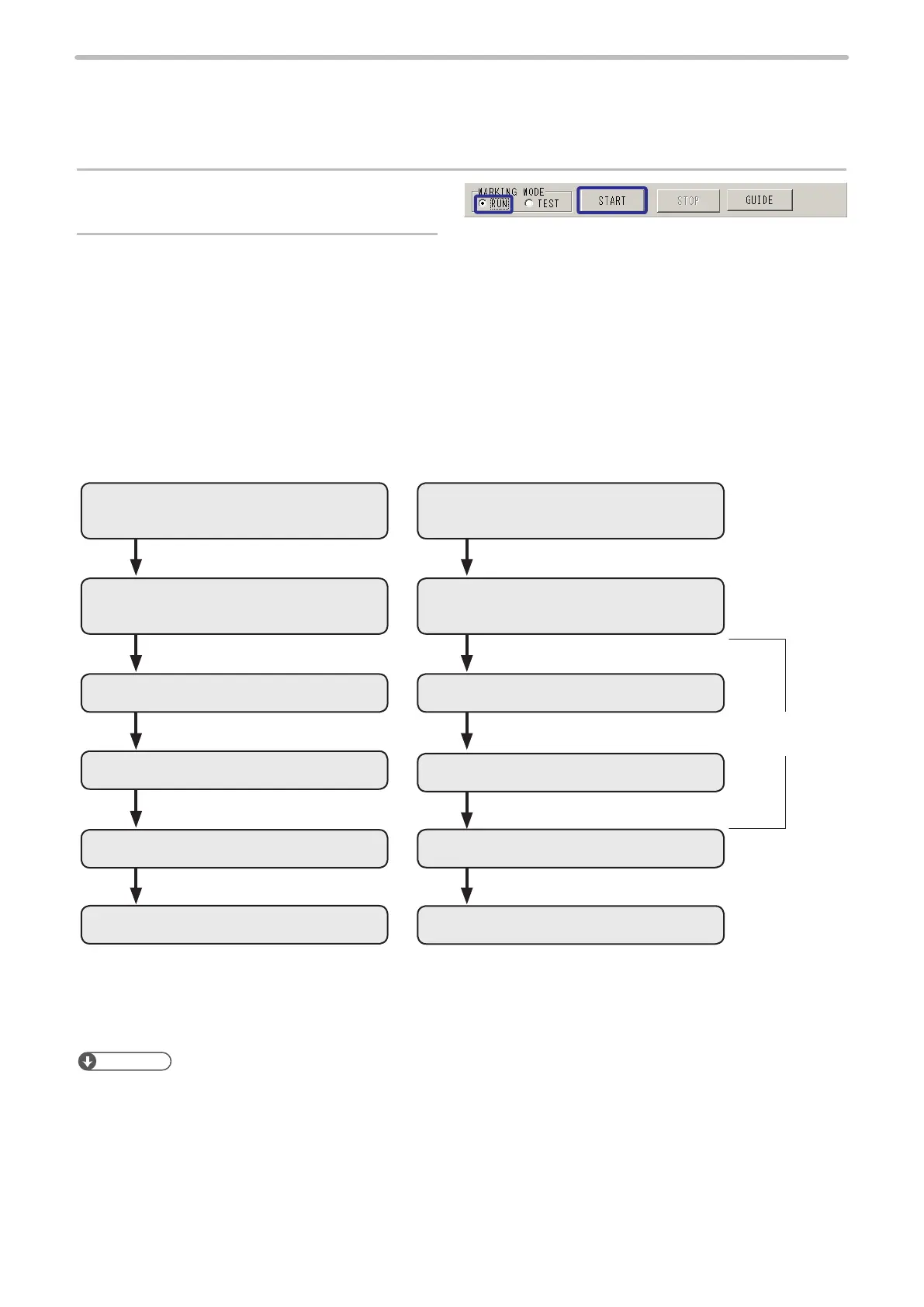
When the laser marker is activated in RUN mode, the Internal shutter is opened, and the laser marker is ready for receiving
trigger from external.
Before starting RUN mode, set the parameters in “2-12 Trigger Setting” (P.193).
1.
Set the marking mode into [RUN].
2.
The internal shutter of the laser marker is
opened by pressing “START”, and the laser
marker is ready for receiving trigger from external.
When pressing [STOP], the Internal shutter is closed, and the marking is nished.
The laser marker is performed the following procedure.
Internal Shutter: Open
(Ready for receiving external trigger)
Internal Shutter: Open
(Ready for receiving external trigger)
Marking Mode: RUN
Press [START]
Marking Mode: RUN
Press [START]
Marking Marking
Marking
Marking
Press [STOP]
Press [STOP]
Internal Shutter: Close
Internal Shutter: Close
Trigger Signal
Trigger Marking to Still or Flying Object Equidistant Marking to Flying Object
Trigger Signal
Trigger Signal
(Keep Input ON)
Reference
• Before starting the run mode, turn ON the laser pumping.
• When pressing [STOP] during marking, the internal shutter is closed after nishing marking all contents, and then RUN
mode is nished.
• For LP-Mxxx-S type, laser can not be emitted without opening the laser gate. After starting the run mode, open the laser
gate by external control signals. Refer to the “Safety / Setup / Maintenance Guide” for detail.



 To Next Page