Chapter 12
DA7 Users’ Guide
12
-
16
12
D-I/O
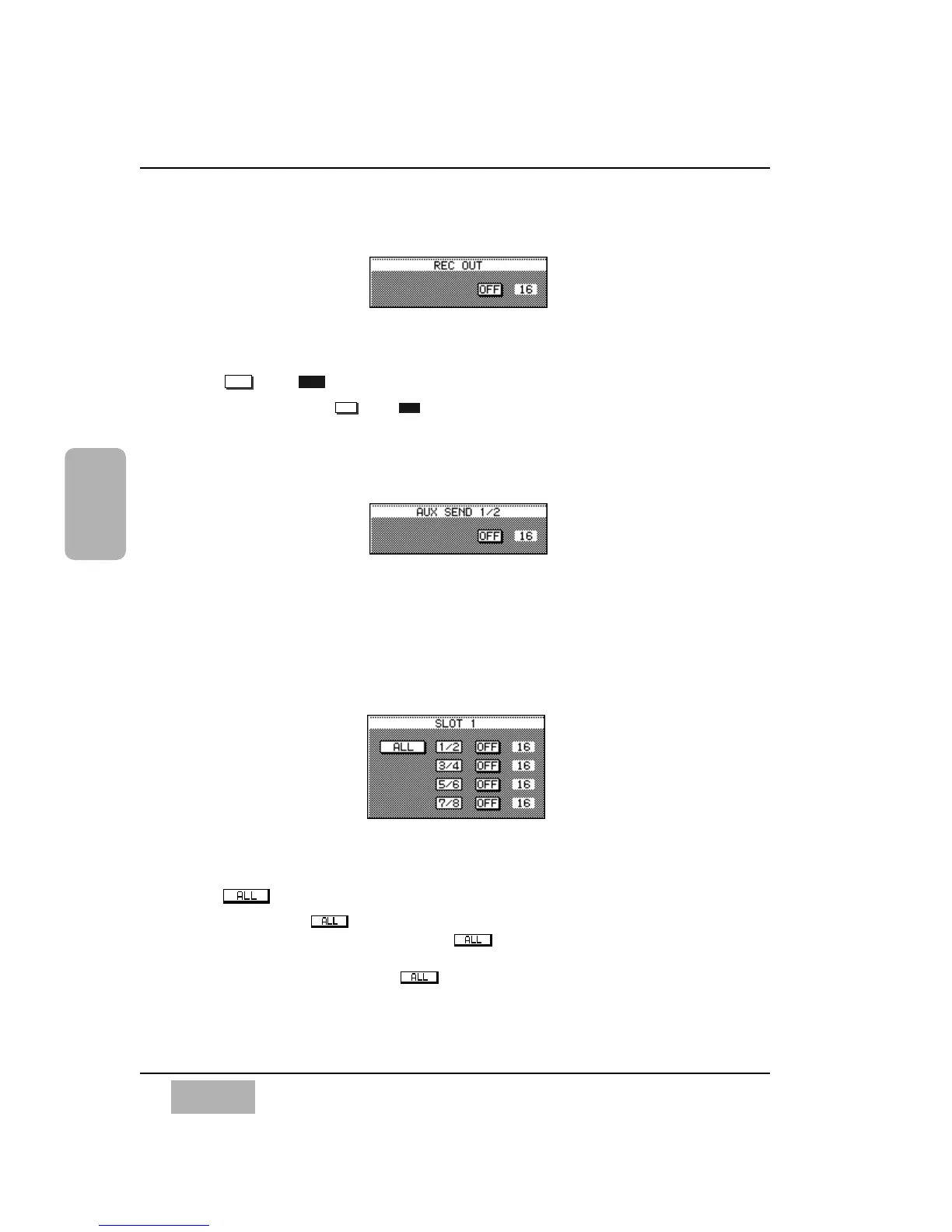
[REC OUT] Area
This sets dither for the digital REC OUT terminal.
and Buttons
Determines the and status of [REC OUT]. A dither setting of
16 thru 23 can be selected by rotating the JogDial, once that field is
highlighted, until the desired dither value appears.
[AUX SEND 1/2] Area
This sets the dither value for AUX SND 1/2. A dither setting of 16 thru 23 can
be selected by rotating the JogDial, once that field is highlighted, until the
desired dither value appears.
[SLOT 1] Area
This sets the dither value for the eight channels of the SLOT 1 terminal.
Button
Pressing the button sets eight channels to the parameter set to
channels 1/2. At the moment the button is selected, the
parameters set to channels 3 through 8 are replaced with the parameter
set to channel 1/2. When is selected, turning 1/2 on will turn on
3/4, 5/6 and 7/8 simultaneously.













 To Next Page