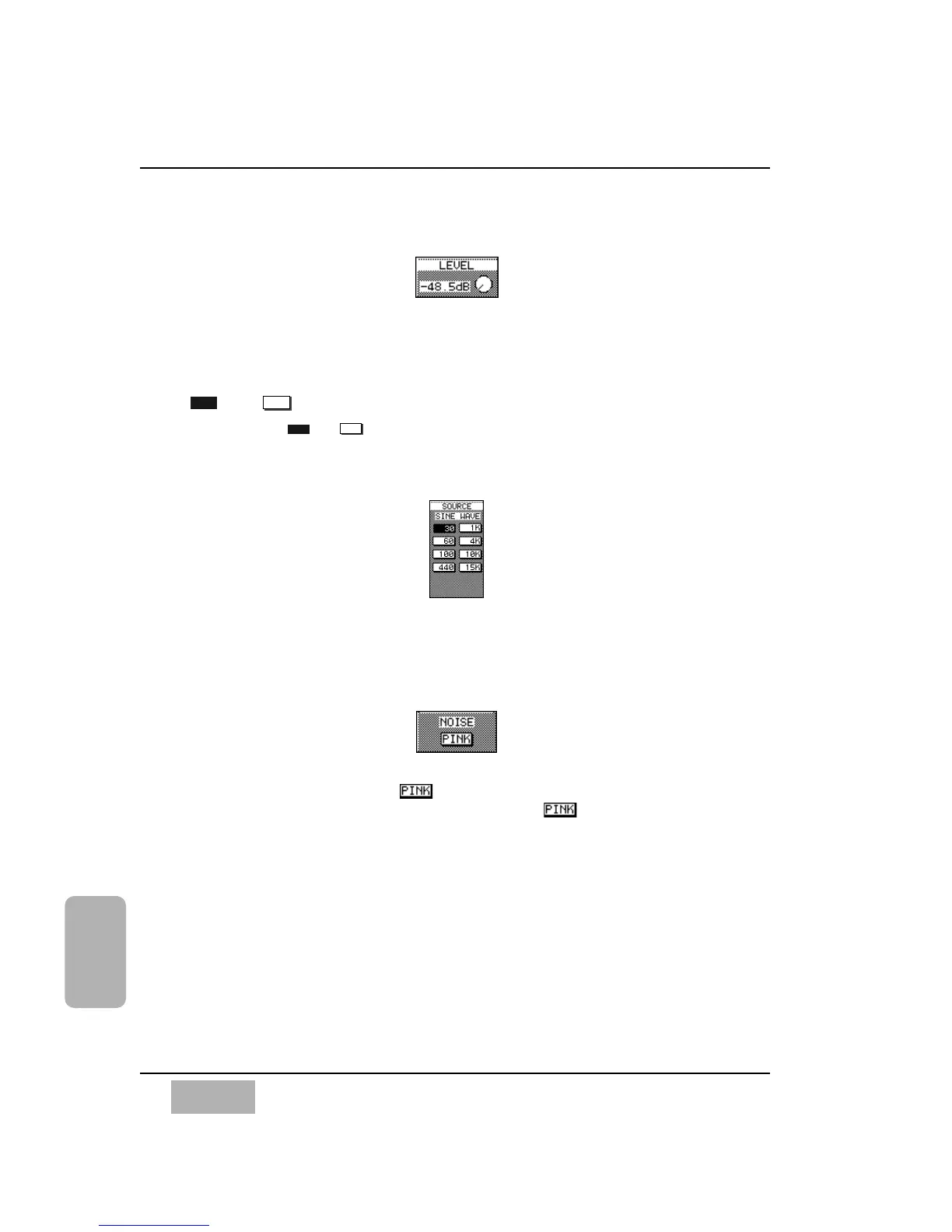
[LEVEL] Area
The [LEVEL] soft knob controls the output level. Move the cursor to the
knob, and rotate the JogDial to change the level.
and Buttons
Activating the or buttons turns the Oscillator on or off for the
system.
[SOURCE] Area
The tone output of the Oscillator is determined by selecting one of the eight
frequency buttons in this area.
[NOISE] Area
Instead of tone, activating the button will output Pink Noise to the
output of the selected sources. When selected, the button will appear
as inverse video.













 To Next Page