Chapter 5
DA7 Users’ Guide
5
-
9
5
Channels,
Library, & Meters
Pan Adjustment for a Selected Channel
Adjust the pan for a selected channel by selecting the pan soft knob with
the cursor, and turning the JogDial. Or, turn the Pan knob in the
PAN/SURROUND area.
Pan Adjustment of an Adjacent Channel
When is active, the knob for the odd-numbered channels appears
on the left of the area, and the knob for the even-numbered channels
appears on the right.
Cursor to a soft knob, and turn the JogDial. A pan value appears in the
data field.
Stereo Balance Adjustment
Cursor to a balance soft knob, and turn the JogDial. When [STEREO] is
, the balance soft knob is visible.
See Chapter 8 for more information on Pan/Assign, Surround, Bus Assign.
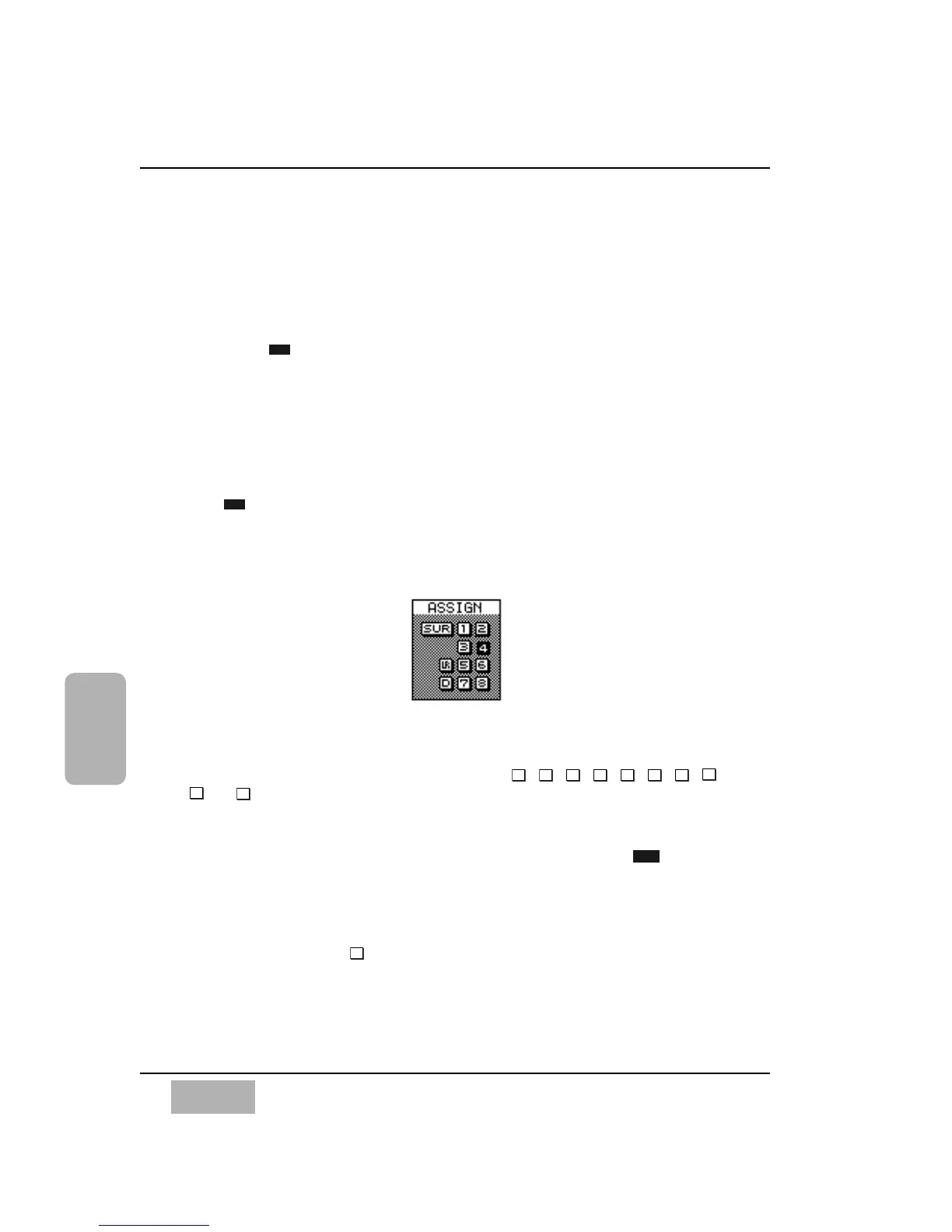
[ASSIGN] Area
The bus assign off or on switching will send the selected channel to BUS 1-
8, MASTER L/R, or DIRECT (DIRECT works exclusively with the D-I/O
card). To select a bus assignment, cursor to the , , , , , , ,
,
, or button in the bus assign area, and press the ENTER button. The
selected bus assignment will toggle and become highlighted. Multiple bus
assignments can be selected for a channel.
To disable or enable the surround sound function, cursor to the button,
and press the ENTER button. When the surround function is enabled,
assignment to buses 1 through 6 is automatically activated.
The channels set to stereo are assigned to buses in odd/even order. The
[ASSIGN] area will show the new assignment mode. When the channels are
set for stereo assign to , the odd-numbered channels are left and the even-
numbered channels are right.













 To Next Page