14
GETTING STARTED
Note
x Your phone may not be compatible with all types of stereo
earphones.
x Do not cover the proximity sensor area with LCD protection film.
If you cover the sensor, the touch screen may not perform properly.
x Do not allow the touch screen to come in contact with water or
chemicals.
x Do not block the internal antenna embedded in the phone.
x Do not hold the phone too close to your face, as you may block the
microphone and prevent others from hearing you clearly.
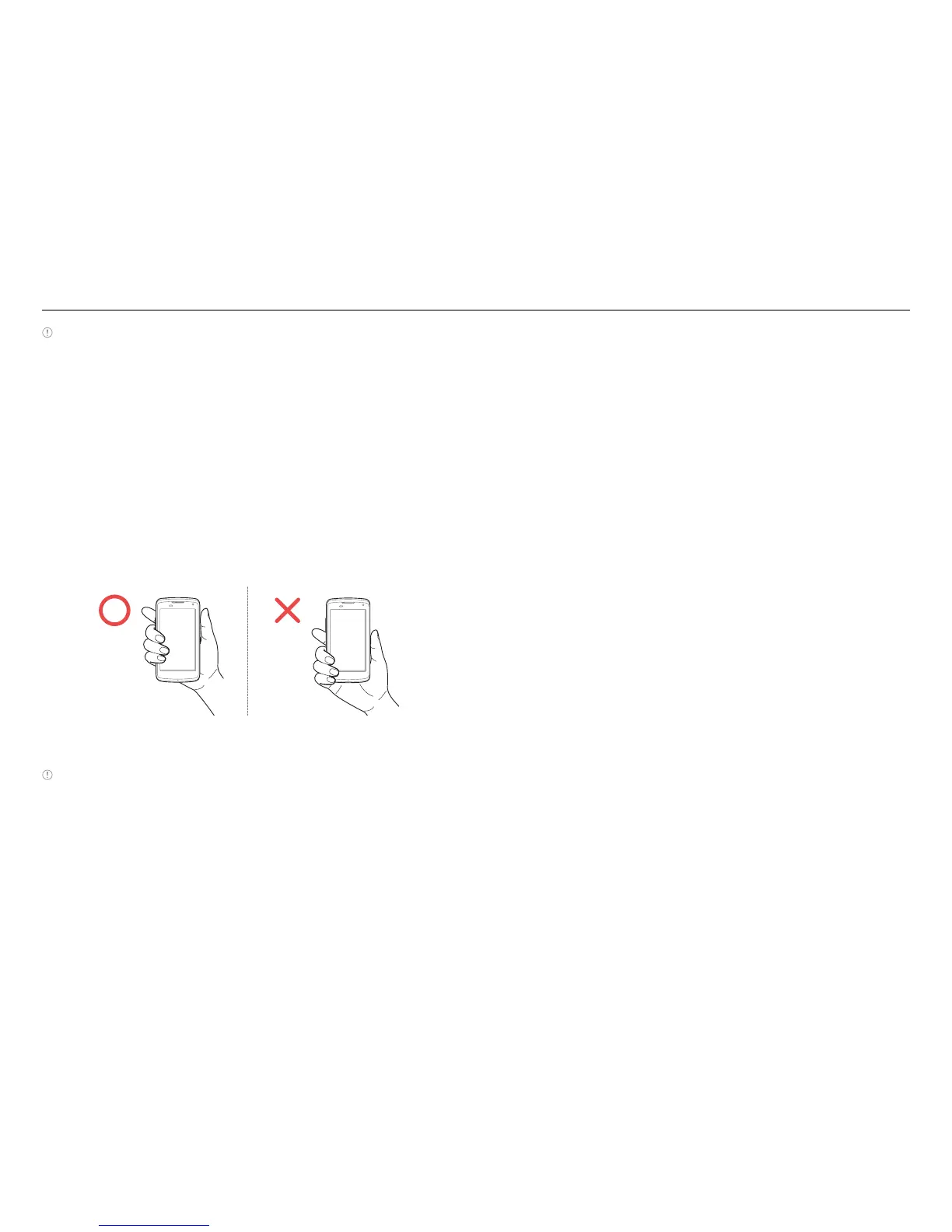
Gripping the Phone
Hold the phone in the correct position to avoid blocking the
internal antenna.
Correct Incorrect
Note
x If you block the internal antenna, you may disrupt the wireless signal
and increase battery consumption.
x Do not use metallic cases or accessories, as they can interfere with
the signal reception.
Inside the Package
Check your product package for the following items:
x Phone
x Battery
x Adapter
x USB cable
x Quick Start Guide
Using the SIM or USIM Card
Before Using the Card
x Be careful not to damage your fingernails when you remove
the battery cover.
x Turn off the phone before installing the SIM or USIM card.
x Do not bend or force the card. Doing so may damage the
card or destroy data on the card.
x Turn off the phone before removing the SIM or USIM card.
x Do not expose the SIM or USIM card to moisture.
x Avoid static electricity.
x Do not lose or transfer your SIM or USIM card to someone.
Pantech is not responsible for damage due to theft or loss.



 To Next Page