46
CALLING & MESSAGING
Managing Contacts
Creating Contacts
Save new contacts to your phone or your Google account. If
you have registered two or more Google accounts, you can
select an account for saving contacts.
1. Tap Contacts.
2. Tap
or .
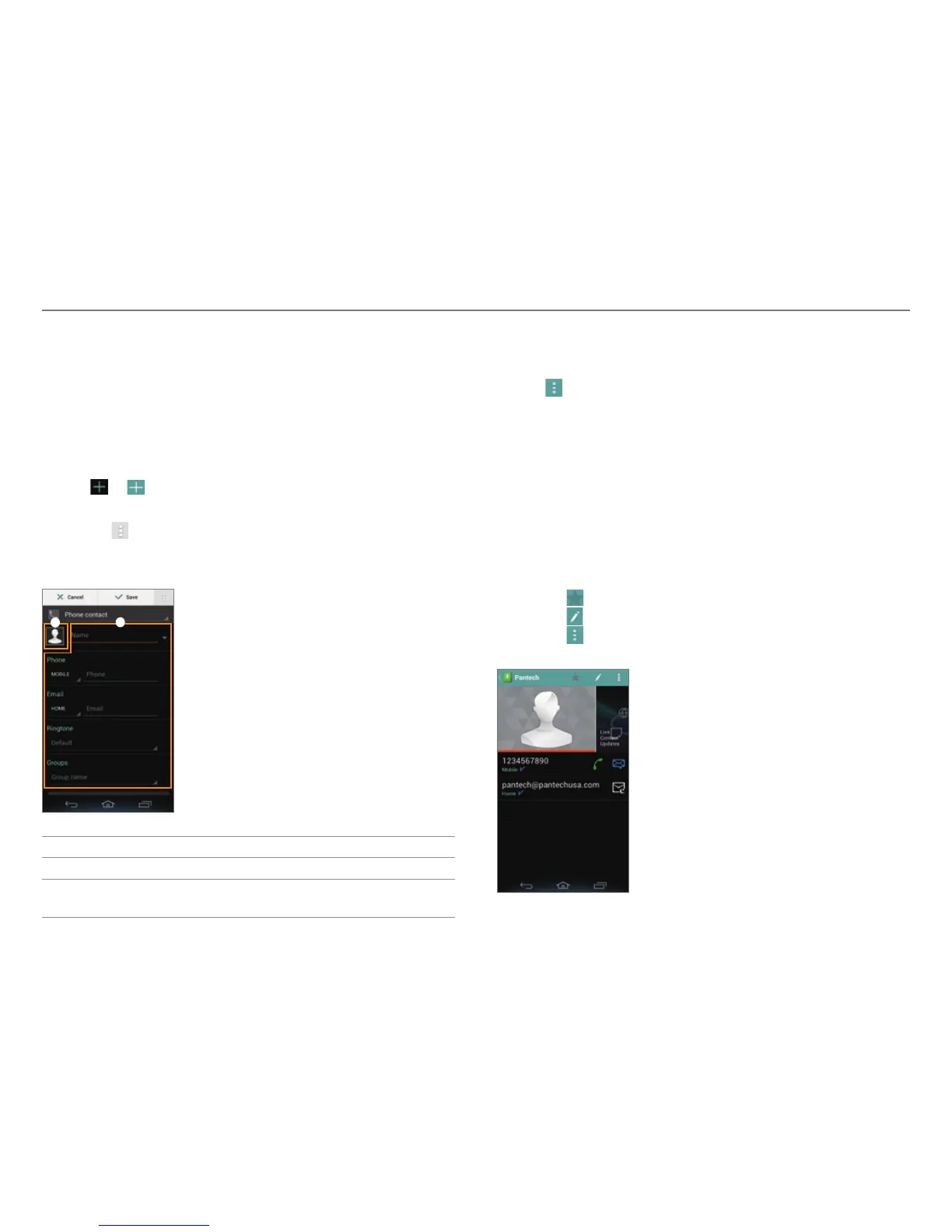
3. Enter related information.
x Tap > Join to choose a contact to merge with the new
contact.
4. Tap Save.
1
2
No. Description
1
Register a photo.
2
Enter a name, phone number, or email address; set a
ringt
one; or select a group.
Setting a Speed Dial Number
1. Tap Contacts.
2. Tap
> Speed dial setting.
3. Select and tap a number, and tap Add.
4. Select and tap a contact.
Viewing Saved Contacts
1. Tap Contacts.
2. Select and tap a contact.
x Type the first letter of the name to show names that
start with that letter.
3. View the contact information.
x Tap
to designate the contact as a favorite.
x Tap
to edit the contact.
x Tap
to share or delete a contact, set a ringtone, or
forward all calls to voicemail.
Example: When you save a contact on your phone.



 To Next Page