36
BASIC OPERATIONS
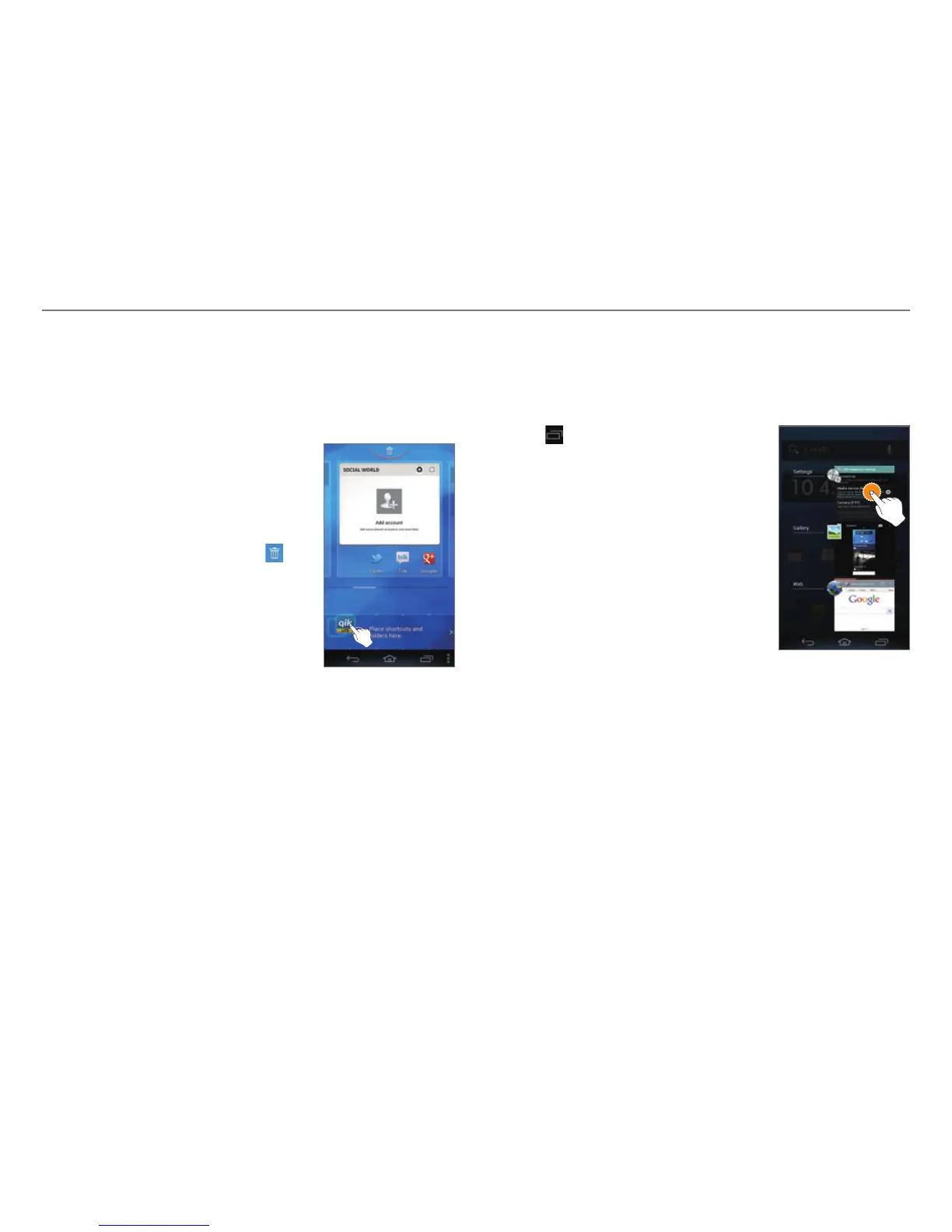
Using the Extended Launcher Bar
Arranging Shortcut Icons or Folders
Move shortcut icons or folders from the Home screen to the
Extended launcher bar.
1. Flick the Basic launcher bar to the
left or right.
2. Tap and hold an item on the Home
screen.
3. Drag it to a desired location.
x To delete an item, drag it to
at
the top of the screen.
Using The Task Manager
Accessing Recently-used Applications
Use the Task Manager to access recently-used applications.
1. Tap
.
2. Tap an application.
x Flick the application to the left or
right to delete it from the list.
x Tap and hold the application to
delete it from the list or view the
application information.



 To Next Page