35
BASIC OPERATIONS
To Add a New Panel
Tap New Panel to add a new panel. You can create up to seven
panels.
Setting the Home Screen Wallpaper
1. On the Home screen, tap and hold an empty area.
x You can also flick the Home screen upward or tap
.
2. Tap Wallpaper.
3. Select a tab on the top.
4. Tap a wallpaper.
1
2
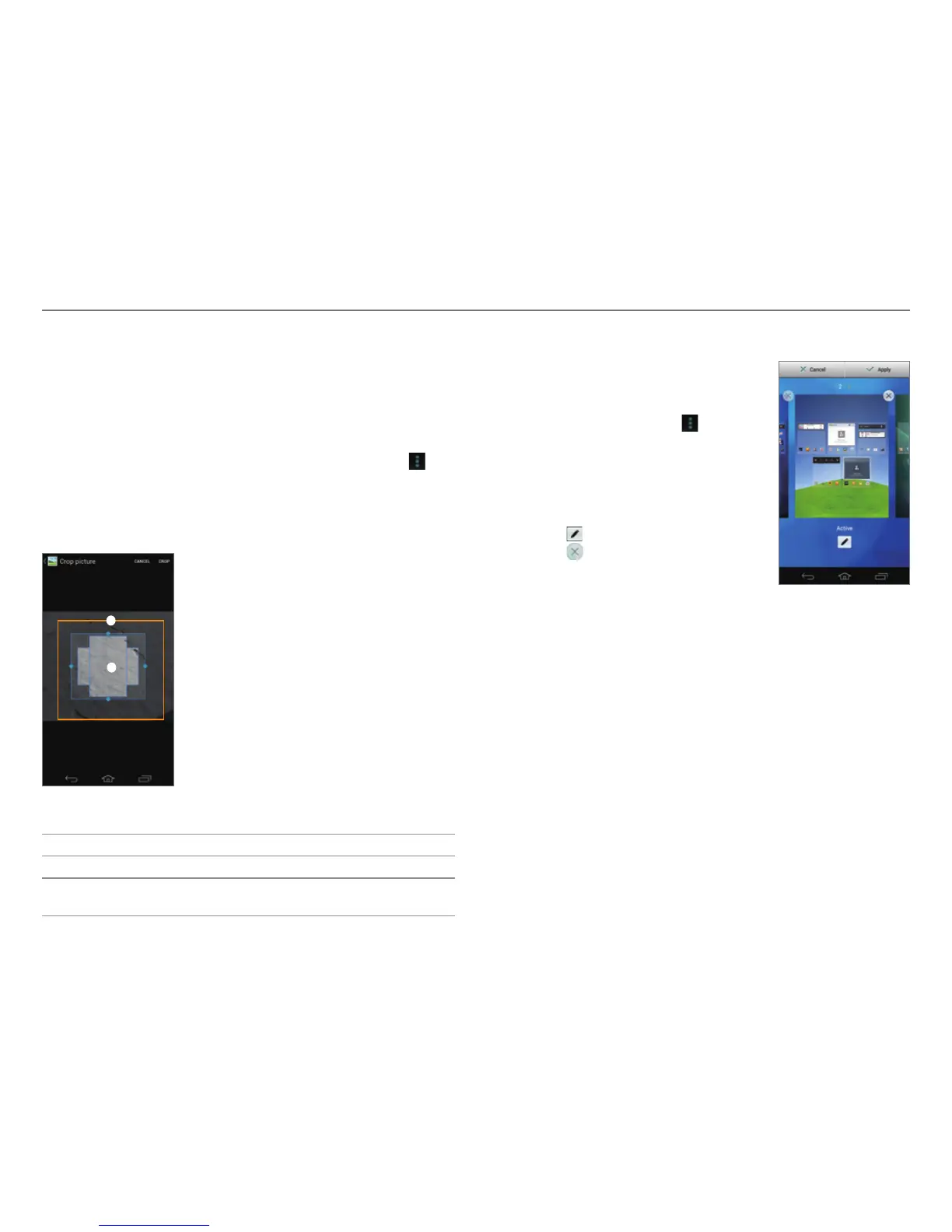
Example: When you tap the Gallery tab.
No. Description
1
Drag the blue lines to enlarge or reduce the area.
2
Tap the area inside the blue lines and drag it to another
loca
tion.
5. Tap Set wallpaper or CROP.
Changing the Home screen Theme
1. On the Home screen, tap and hold
an empty area.
x You can also flick the Home
screen upward or tap
.
2. Tap Home Theme.
3. Flick the screen to the left or right.
4. Select a theme.
5. Tap Apply.
x Tap
to edit the theme name.
x Tap
to delete the theme.



 To Next Page