73
MENU FUNCTIONS
Calendar
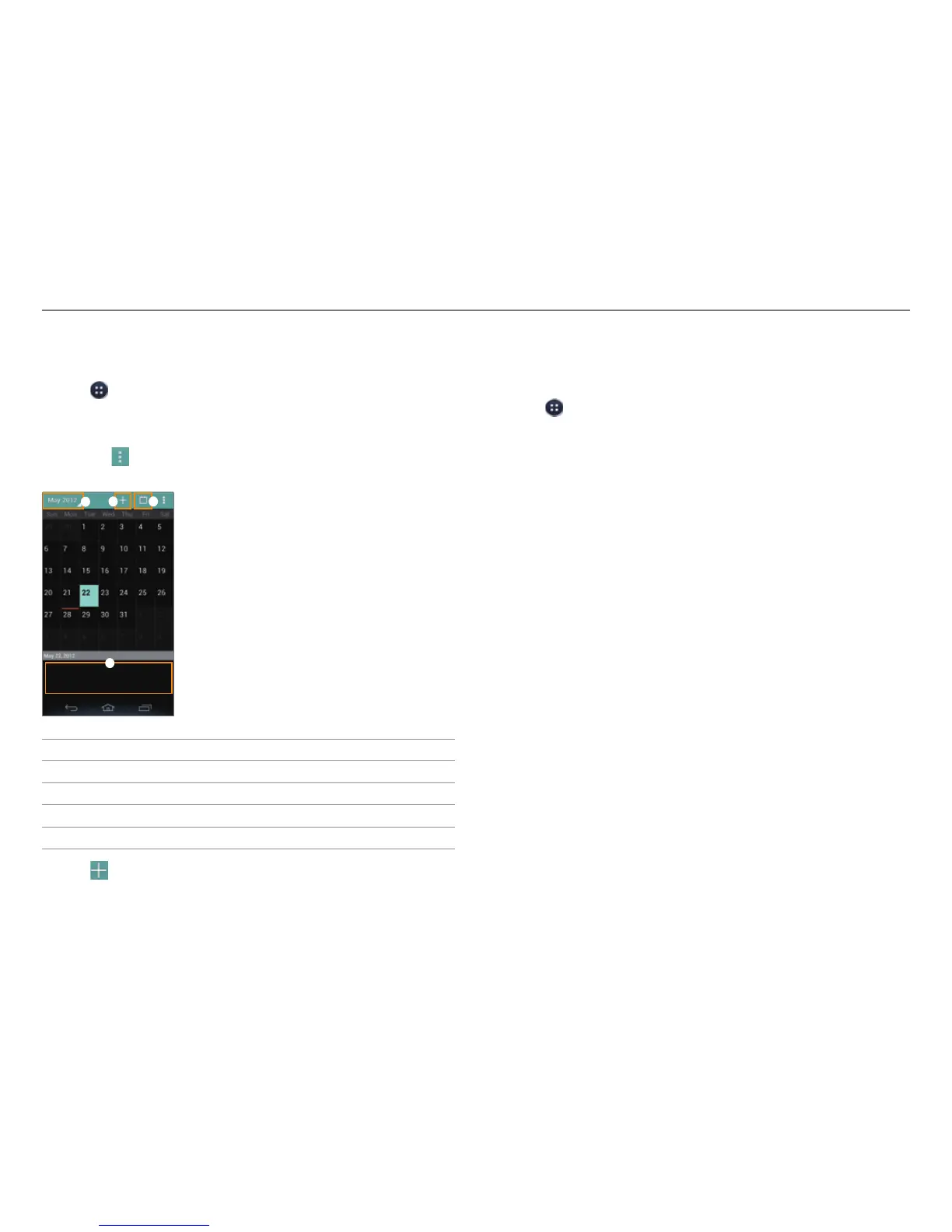
Manage your schedules and events.
1. Tap
> Calendar.
2. Log in with your Google account.
3. Select and tap a date.
x Tap
to refresh, search, select calendars to display, or
access settings.
1
2 3
4
No. Description
1
View the calendar by day, week, month, or agenda.
2
Add an event.
3
Move to today.
4
Events for the selected day.
4. T
ap
at the top of the screen.
5. Enter information, and then tap Done.
Converter
Convert values for length, volume, weight, temperature, area
and speed.
1. Tap > Converter.
2. Select a unit type.
3. Enter a value.
4. Select the original unit.
5. Select a target unit.
x The converted value is shown.



 To Next Page