28
PHONE EXPERIENCE
About the Phone Experience
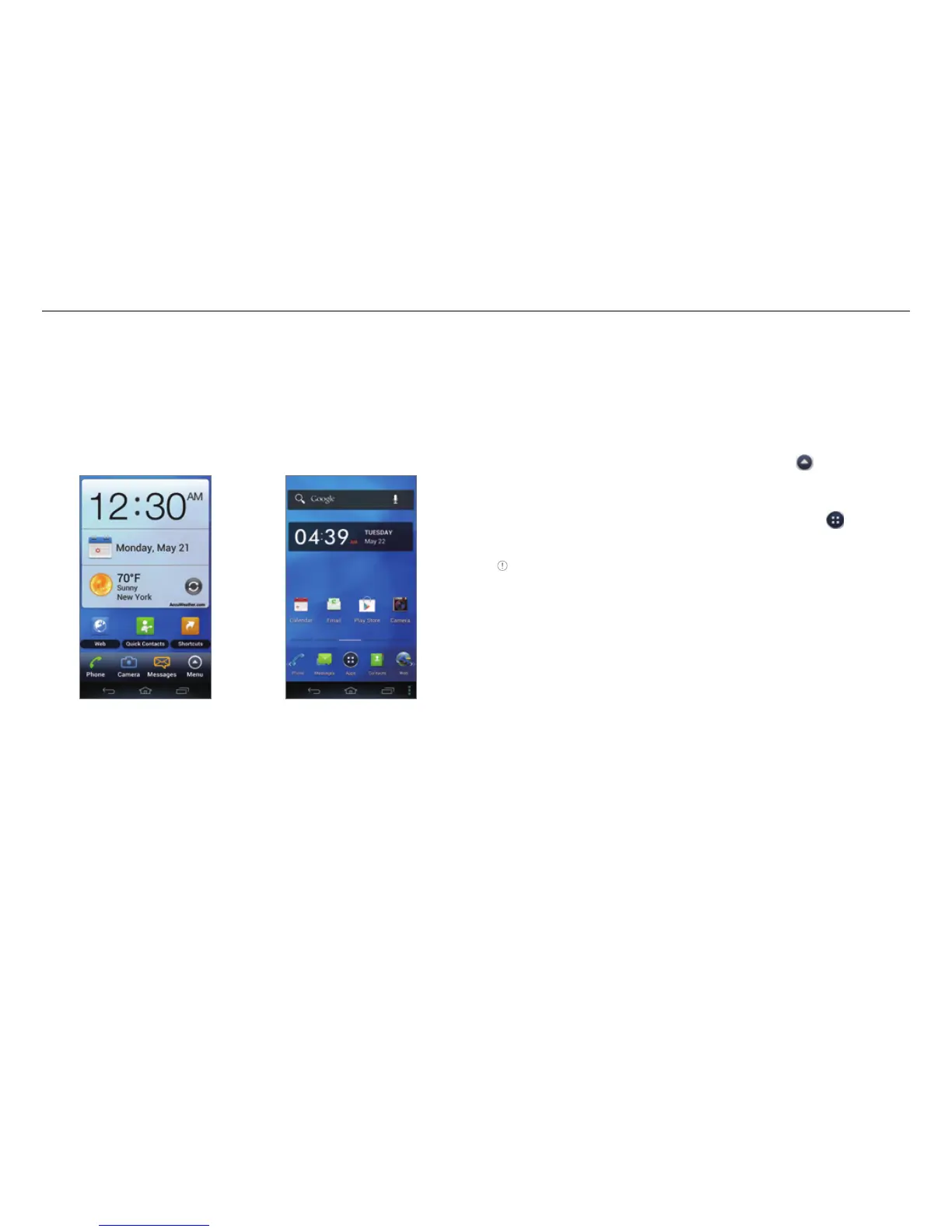
Your phone provides two phone experiences, Pantech Easy
and Standard. The Pantech Easy Experience provides an
easy-to-use interface that helps you to use the phone simply.
The Standard Experience is recommended for general users.
The instructions in this manual are based on the Standard
Experience.
Pantech Easy Experience Pantech Standard
Experience
Setting the Phone Experience
When you turn on the phone for the first time and set it up, you
are asked to select a phone experience. You can change the
phone experience at any time in the Settings menu.
Changing the Phone Experience
If you are using Pantech Easy Experience, tap > Settings
> Personalize > Change Experience > Pantech Standard
Experience.
If you are using Pantech Standard Experience, tap
>
Settings > Change Experience > Pantech Easy Experience.
Note Some functions and menus are not available in Pantech Easy
Experience.



 To Next Page