52
COMMUNICATION
To Add Another Email Account
After setting up the email account, in the mail list screen, tap
> Accounts > . You can also tap > Settings >
Accounts & sync > ADD ACCOUNT > Email.
Setting Up Email Accounts Manually
1. Tap > Email.
2. Select and tap an email service.
3. Enter your email address and password, and then tap
MANUAL SETUP.
4. Select and tap an account type.
5. Enter the server information, and then tap
.
6. Configure the settings, and then tap
.
7. Enter an account name and your name, and then tap
.
Synchronizing Emails
1. Tap > Settings > Accounts & sync.
2. Select and tap an email account.
3. Tap the check box next to Sync Email.
Using Email
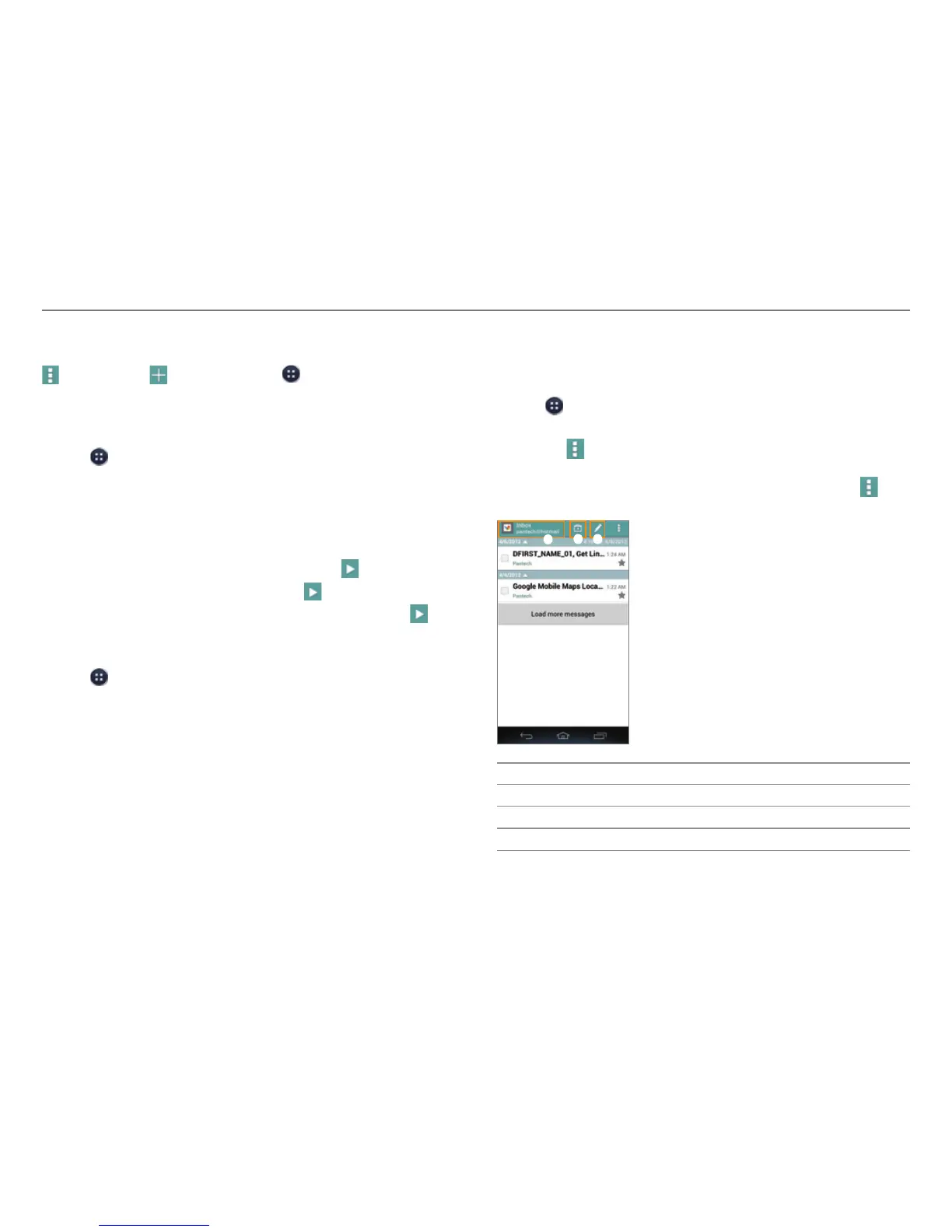
Viewing Email Messages
1. Tap > Email.
2. Tap a message to view it.
x Tap
to refresh, search email, select another account,
sort emails, manage folders, or access the settings.
x Tap the check boxes next to emails, and then tap
to
move them or mark them as read or unread.
1
2 3
No. Description
1
Switch to another account.
2
Switch to another mailbox.
3
Create a message.



 To Next Page