58
COMMUNICATION
Using Social World LinkedIn
1. Tap > Social World.
2. Select and tap your LinkedIn account.
3. Select a tab on the top.
1
2
No. Description
1
Post a new message on LinkedIn.
2
Search, Connections, My profile, Refresh, Settings
Note Tap and hold a message to view the available options.
Using Social Gallery
Social Gallery allows you to view photos and videos on your
social service accounts or your phone.
Setting up Accounts
1. Tap > Social Gallery > .
2. Select and tap a service to add your social service account.
3. Enter your username or email address and password.
Using Social Gallery
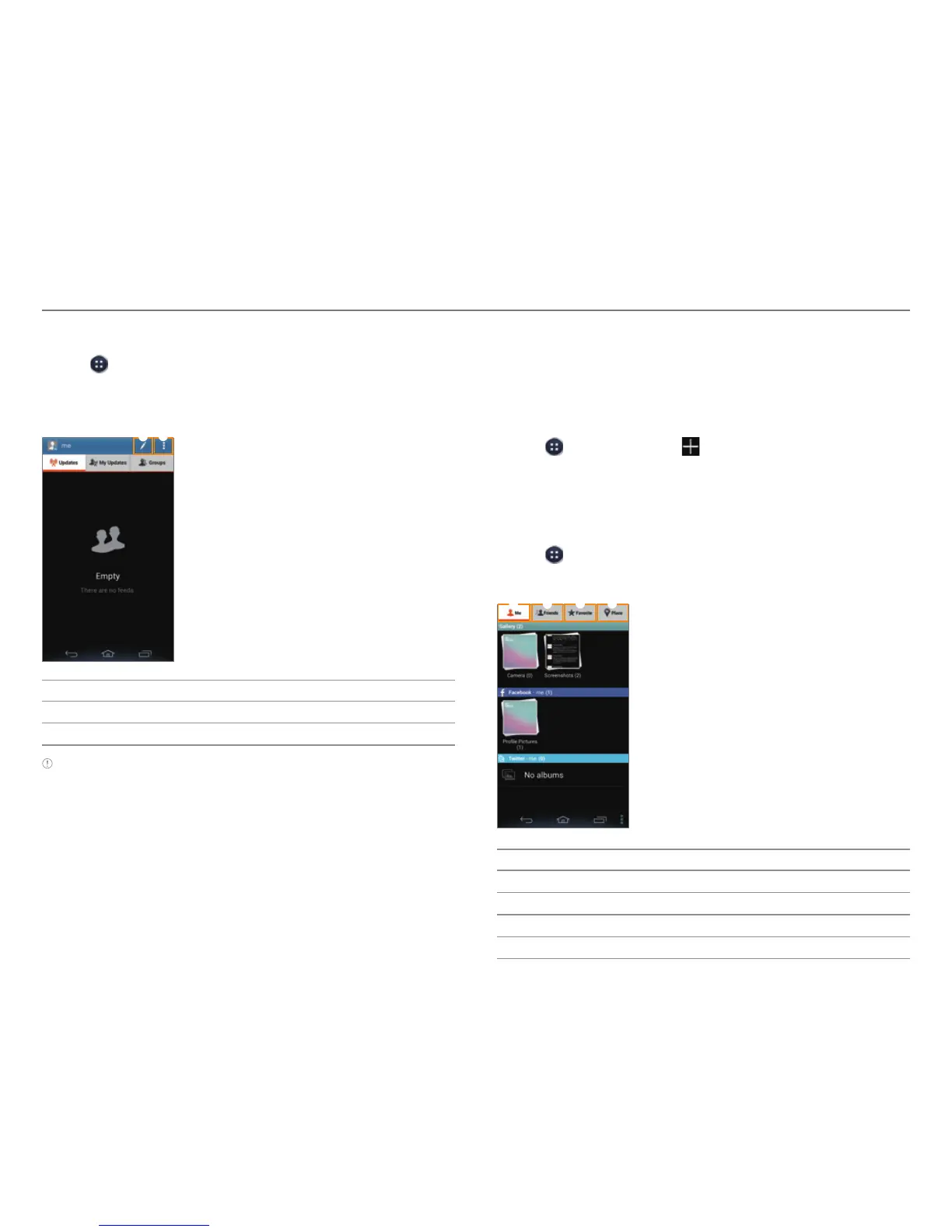
1. Tap > Social Gallery.
2. Select a tab on the top.
1 2
3 4
No. Description
1
Pictures from My gallery
2
Pictures from Friends’ social service account.
3
Items selected as favorites
4
Place



 To Next Page