62
Viewing images on your Macintosh
¡ Double click the [ACDSee™ 1.6] folder on the hard drive.
™ Double click the [ACDSee™ 1.6] program icon.
£ Select the image to view.
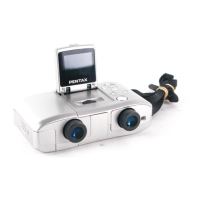
DIGIBINO images can be found in the [untitled] → [DCIM] → [xxxPENTX] (xxx is a
3-digit numeral) folder on the desktop.
Disconnecting the DIGIBINO from your Macintosh
¡ Drag the [untitled] folder on the desktop to Trash.
™ Remove the USB cable from your Macintosh and the DIGIBINO.
Viewing Images with a PC


 To Next Page
 Loading...