104
Shooting Functions
4
Automatically sets the shutter speed and aperture value to obtain a proper
exposure according to Program line when taking pictures.
You can also use the e-dial to change the shutter speed and aperture
value while maintaining the proper exposure. (p.105)
1
Set the mode dial to e.
2
Turn the e-dial while pressing
the mc button to adjust the
exposure.
Using the e (Program) Mode
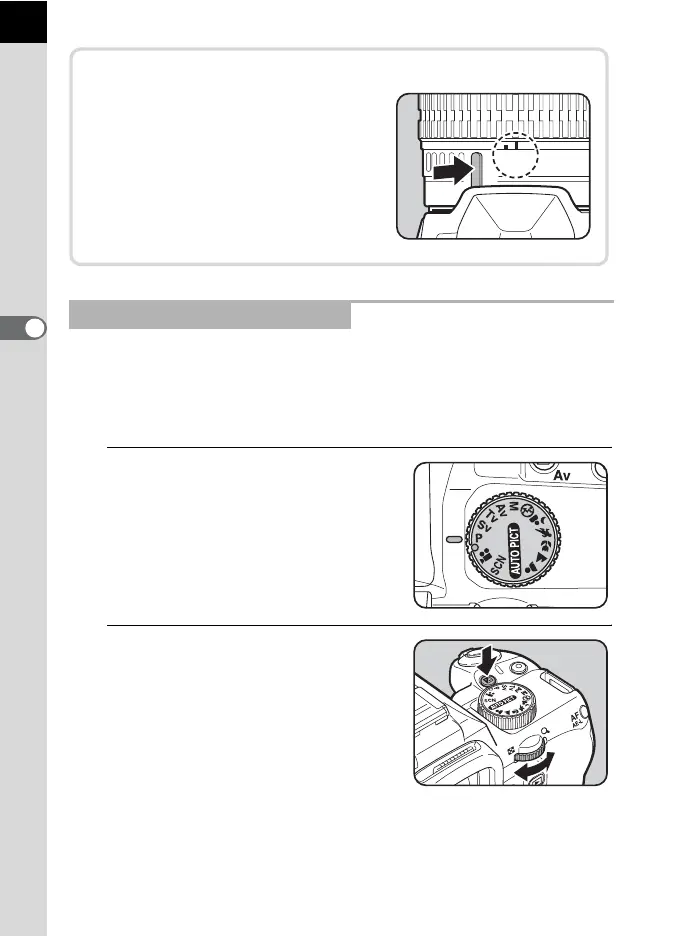
Using a Lens with an Aperture Ring
When using a lens with an aperture
ring, set the aperture to the s (AUTO)
position while holding down the auto-
lock button on the lens.



 To Next Page
 Loading...











