98
Shooting Functions
4
You can set the sensitivity to suit the brightness of the surroundings.
The sensitivity can be set to [AUTO] or within a sensitivity range equivalent
to ISO 200 to 12800. The default setting is [AUTO].
1
Press the four-way controller (5) in Capture mode.
The [Sensitivity] screen appears.
2
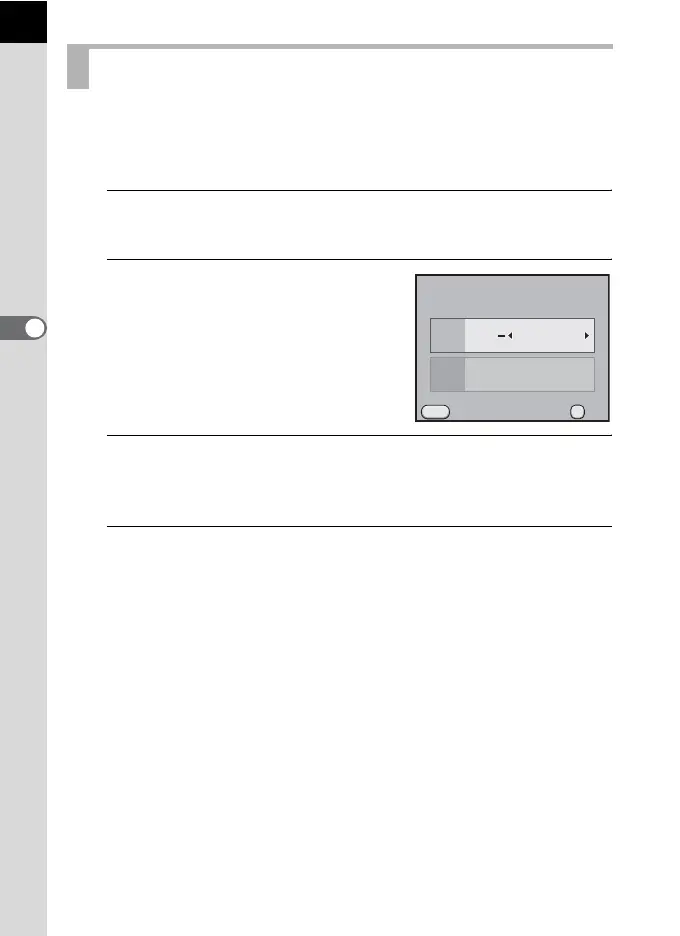
Use the four-way controller (23)
to select [AUTO Setting] or [Fixed
Value].
3
Use the four-way controller (45) to change the ISO
sensitivity.
For [AUTO Setting], change the maximum sensitivity.
4
Press the 4 button.
The camera is ready to take a picture.
Setting the Sensitivity
OK
MENU
ISO
ISO
AUTO
200
1600
200
Cancel
Sensitivity
OK
AUTO Setting



 To Next Page