311
Appendix
11
Reset settings in [A Custom Setting] menu to default values.
1
Select [Reset Custom Functions] in the [A Custom
Setting 4] menu and press the four-way controller (5).
The [Reset Custom Functions] screen appears.
2
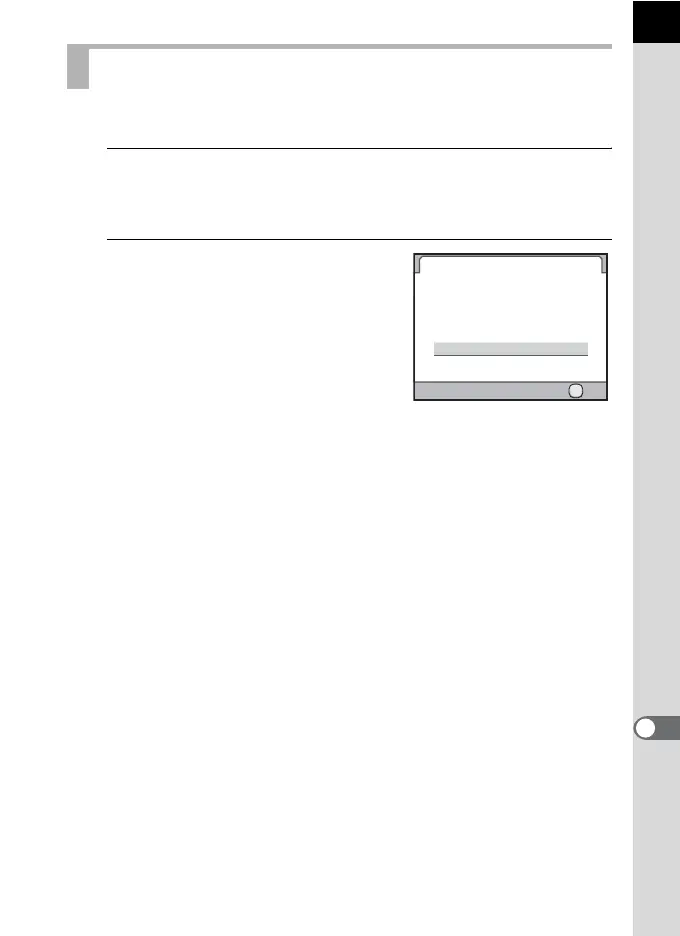
Press the four-way controller (2)
to select [Reset] and press the
4 button.
The settings are reset, and the screen
that was displayed before selecting the
menu appears again.
Resetting the Custom Menu
Reset Custom Functions
Cancel
Reset
Returns the custom function
settings to default values
OK
OK



 To Next Page