258
Processing Images
8
Searches for and displays the original image prior to digital filter
application.
1
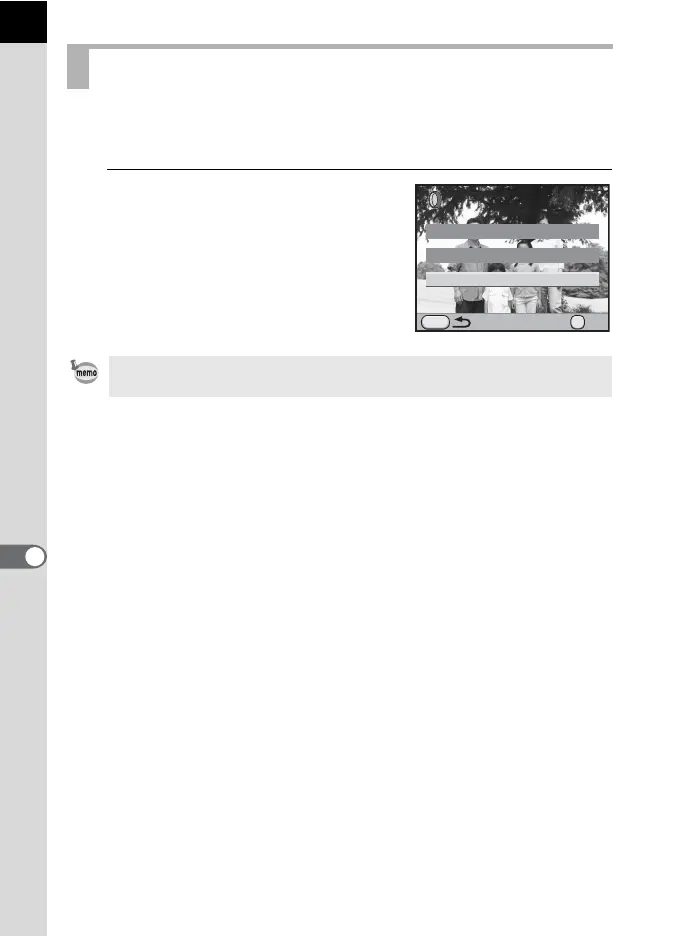
Select [Searching for the original
image] in Step 3 on p.257 and
press the 4 button.
The original image prior to digital filter
application is retrieved.
Searching for the Original Image
If the original image is no longer stored on the SD Memory Card, the message
[Original image, prior to digital filter application, is not found] appears.
MENU
Searching for the original image
Applying the digital filter
Recreating filter effects
OK
OK



 To Next Page
 Loading...











