84
Basic Operations
3
You can delete images one by one.
1
Press the Q button and use the four-way controller (45)
to select an image to delete.
2
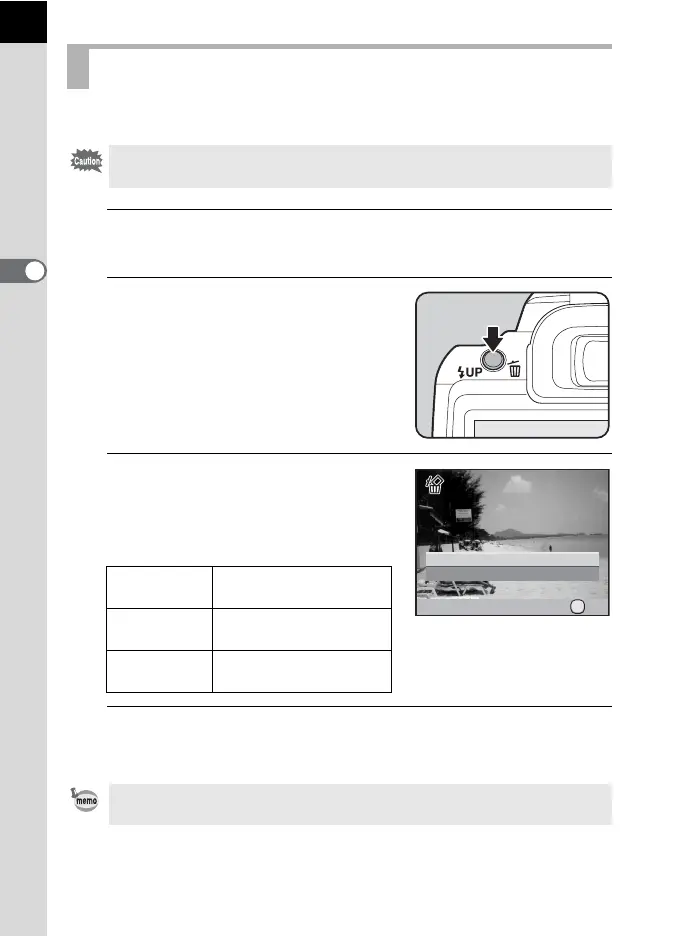
Press the K/i button.
The delete confirmation screen appears.
3
Use the four-way controller (23)
to select [Delete].
Select a file format to delete for images
saved in RAW+ format.
1
4
Press the 4 button.
The image is deleted.
Deleting a Single Image
• Deleted images cannot be restored.
• Protected images cannot be deleted. (p.240)
Delete JPEG
Deletes only the JPEG
image.
Delete RAW
Deletes only the RAW
image.
Delete
RAW+JPEG
Deletes images in both
file formats.
When deleting multiple images at once, refer to “Deleting Multiple Images”
(p.236)
Cancel
Delete
100-0105
OK
OK



 To Next Page