181
Using the Flash
5
You can use [P-TTL Auto] with the AF540FGZ, AF360FGZ, AF200FG or
AF160FC flash unit. The flash pre-flashes before the actual flash and
confirms the subject (the distance, brightness, contrast, whether it is
backlit, etc.) using the camera 16-segment metering sensor. The flash
output for the actual flash is adjusted based on the information obtained
from the pre-flash, enabling flash photography with more accurate
exposure for the subject than with normal TTL auto.
1
Remove the cover of the hot shoe and attach the external
flash.
2
Turn on the camera and the external flash.
3
Set the external flash mode to [P-TTL auto].
4
Confirm that the external flash is fully charged and then
take a picture.
Using P-TTL Auto Mode
About the Display Panel for AF360FGZ
The AF360FGZ itself does not have the function to set the FORMAT
size to [DIGITAL]. However, when it is used with a SLR Digital
Camera, the difference in focal length between a 35 mm camera and
the W is automatically calculated based on the difference in angle
of view and is displayed on the panel (when using DA, DA L, D FA,
FA J, FA or F lens).
The conversion indicator appears and the FORMAT size indicator
disappears when the exposure metering timer of the
W
is on (it
returns to 35 mm format display when the exposure metering timer is turned off).
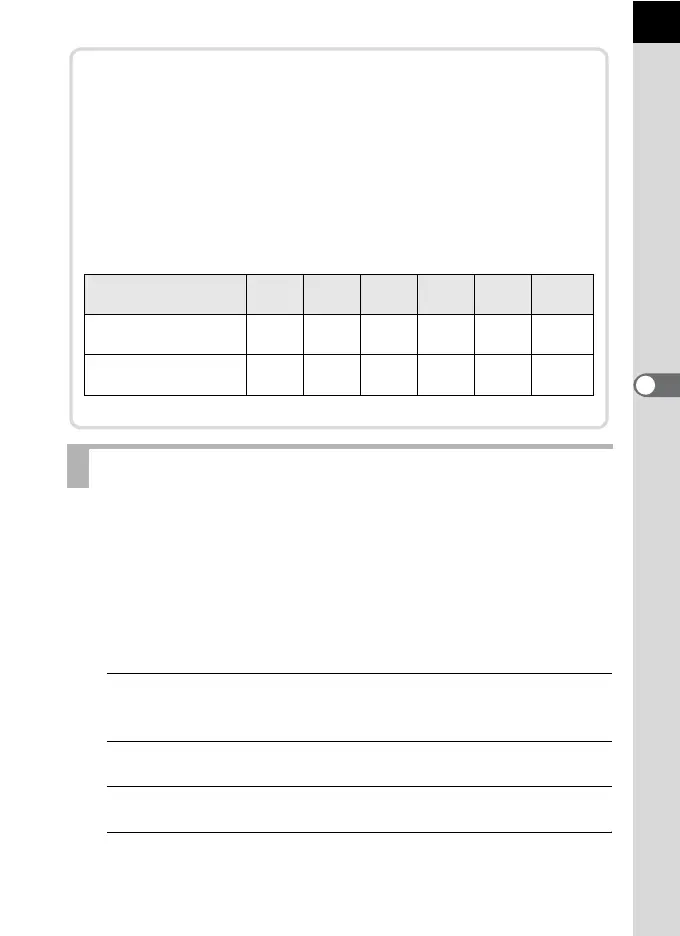
* Using wide-angle panel
Lens Focal Length
85mm
/77mm
50mm 35mm
28mm
/24mm
20mm 18 mm
Exposure metering
timer Off
85mm 70mm 50mm 35mm 28mm 24mm
*
Exposure metering
timer On
58mm 48mm 34mm 24mm 19mm 16mm
*



 To Next Page