86
Shooting Functions
4
How to Operate the Shooting
Functions
You can change capture-related settings using the direct keys, control
panel, [A Rec. Mode] menu or [A Custom Setting] menu.
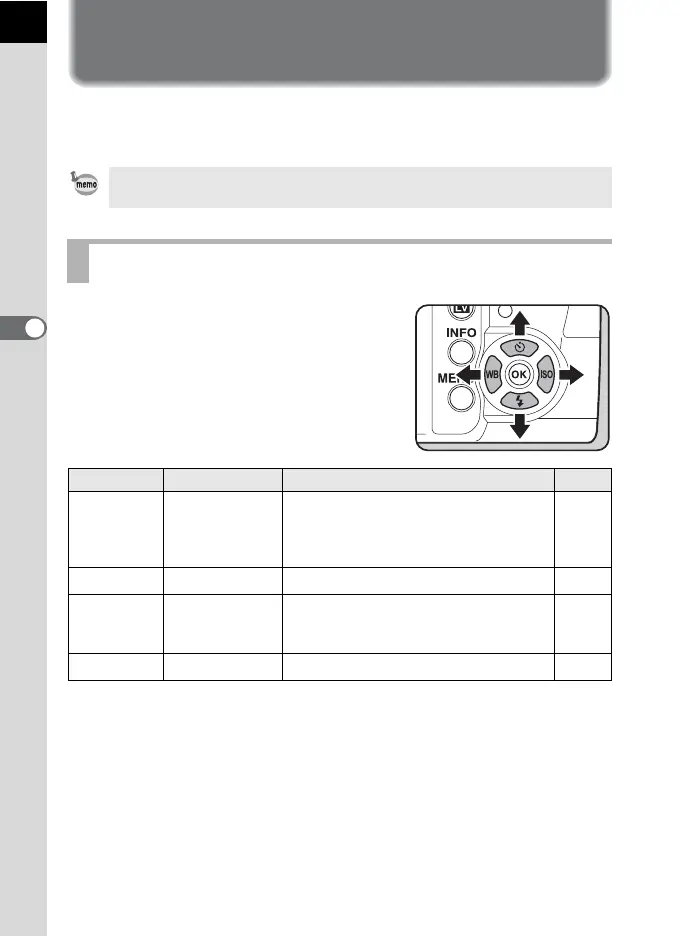
Press the four-way controller (2345) in
Capture mode to set the following items.
For details on how to use the menus, refer to “Using the Menus” (p.37).
Direct Keys Setting Items
Key Item Function Page
2
Drive Mode
Selects Continuous shooting, Self-
timer, Remote Control or Exposure
Bracketing shooting.
p.149
p.145
p.147
p.118
3
Flash Mode Sets the method of flash discharge. p.75
4
White Balance
Adjusts the color balance to match the
type of the light source illuminating the
subject.
p.200
5
Sensitivity Sets the ISO sensitivity. p.98



 To Next Page
 Loading...











