223
Playback Functions
7
Enlarging Images
Images can be magnified up to 16 times in Playback mode.
1
Use the four-way controller (45)
to select an image in Playback
mode.
2
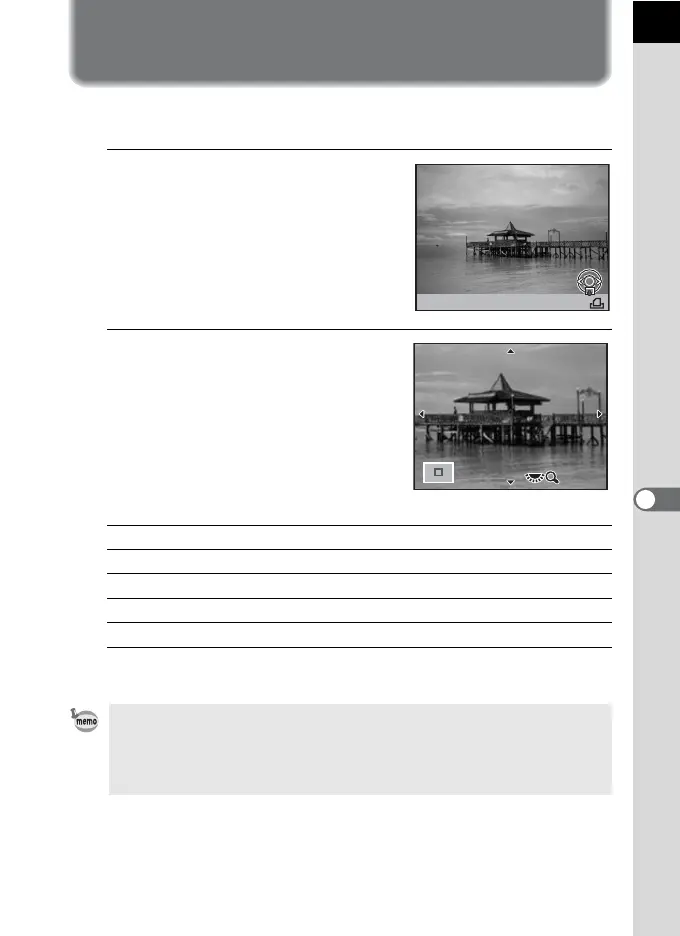
Turn the e-dial to the right
(toward y).
The image enlarges at each click (1.2
times to 16 times).
Available operations
* The default setting for the first click (minimum magnification) is 1.2 times. You can
change this in [Quick Zoom] of the [Q Playback 1] menu. (p.222)
Four-way controller (2345) Moves the area to enlarge.
E-dial to the right (y) Enlarges the image (up to 16 times).
E-dial to the left (f) Reduces the image (up to 1.2 times*).
4 button Returns to the original size.
M button Switches information display On/Off.
• You can enlarge the image by following the same procedure during Instant
Review (p.71), Digital Preview (p.140) or Live View (p.163).
• The initial full display of vertical images is displayed with a magnification of
0.675 times that of horizontal images, therefore, magnification at the first click
starts at 1.0 times.
2000 F5.6
JPEG
1/
100-0001
200
ISO
x2.4



 To Next Page
 Loading...











