236
Playback Functions
7
Deleting Multiple Images
You can delete multiple images in the multi-image display at once.
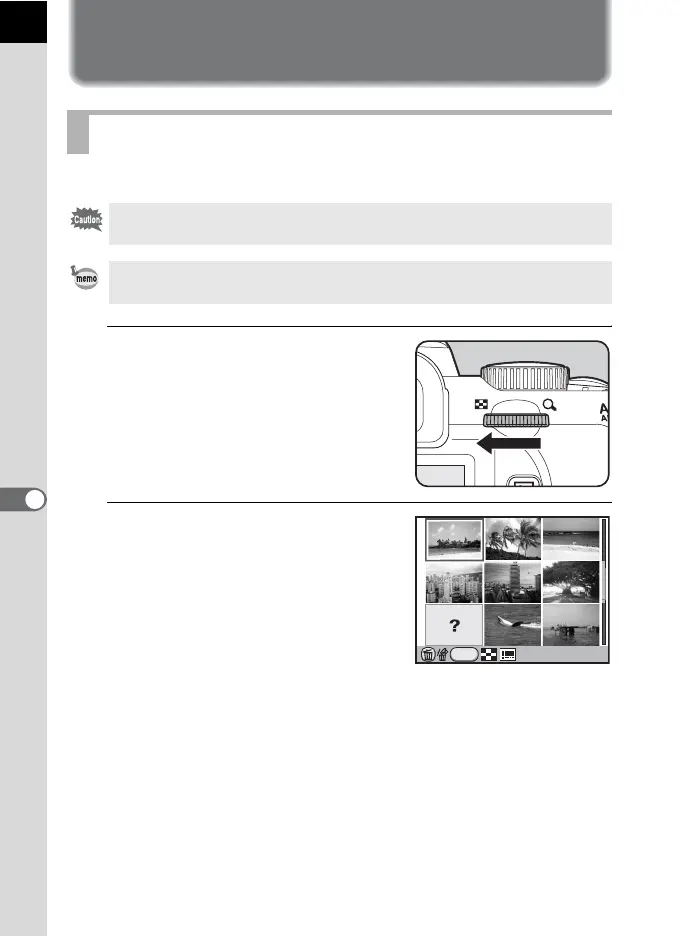
1
Turn the e-dial to the left (toward
f) in Playback mode.
The multi-image display screen appears.
2
Press the K/i button.
The screen to select the images to delete
is displayed.
The screen temporarily changes to 36-
image display when [Multi-img Display
Setting] (p.224) is set to 81-image
display.
Deleting Selected Images
Deleted images cannot be restored.
• Protected images cannot be deleted.
• You can select up to 100 images at a time.
INFO
100-0001



 To Next Page
 Loading...











