171
Shooting Functions
4
Movies can be divided and unwanted segments can be deleted.
1
Press the Q button.
The camera switches to Playback mode.
2
Use the four-way controller (45) to choose a movie to
play back.
The first frame of the movie is displayed on the monitor.
3
Press the four-way controller (3).
The playback mode palette appears.
4
Use the four-way controller (2345) to select [ (Movie
Editing) and press the 4 button.
The movie editing screen appears.
5
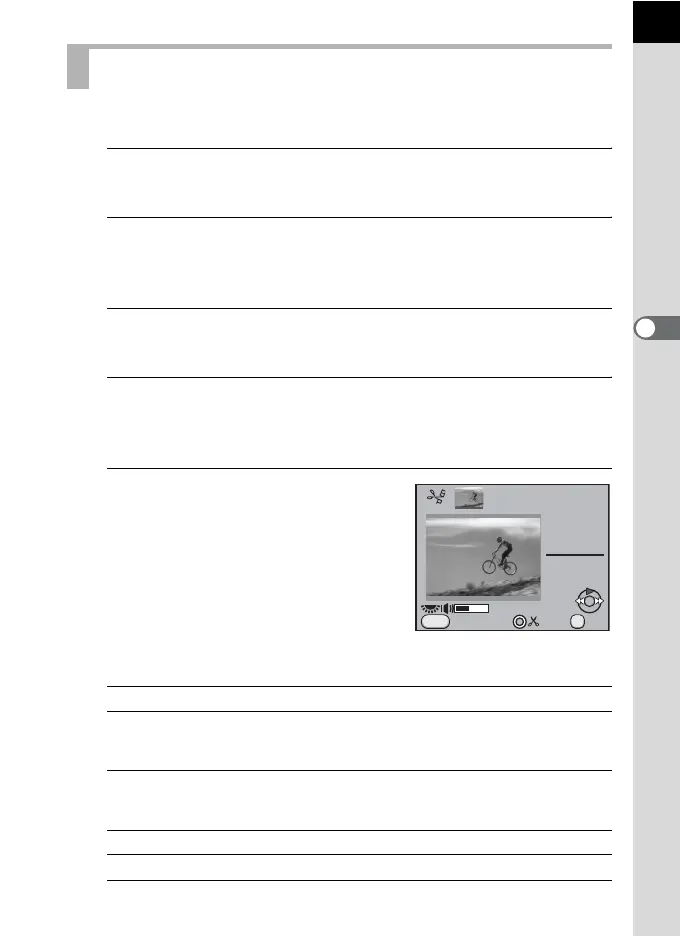
Select point(s) where you want to
divide the movie.
Up to four points can be selected.
Available operations
Editing Movies
Four-way controller (2)
Plays back/Pauses a movie.
Four-way controller (5)
Moves forward 1 second (during pause).
Moves to the next dividing point (during
playback).
Four-way controller (4)
Moves backward 1 second (during pause).
Moves to the previous dividing point
(during playback).
E-dial Volume control (6 levels)
| button
Confirms/cancels a dividing point.
00
min
00
sec
10
min
00
sec
MENU
Exit OK
OK



 To Next Page
 Loading...











