208
Shooting Settings
6
Expands the dynamic range and enables a more ample gradation
expression by the CMOS sensor and reduces the occurrence of
underexposed areas.
1
Press the M button in the status screen.
The control panel appears.
Press the M button when the status screen is not displayed.
2
Use the four-way controller (2345) to select [Shadow
Correction] and press the 4 button.
The [Shadow Correction] screen appears.
3
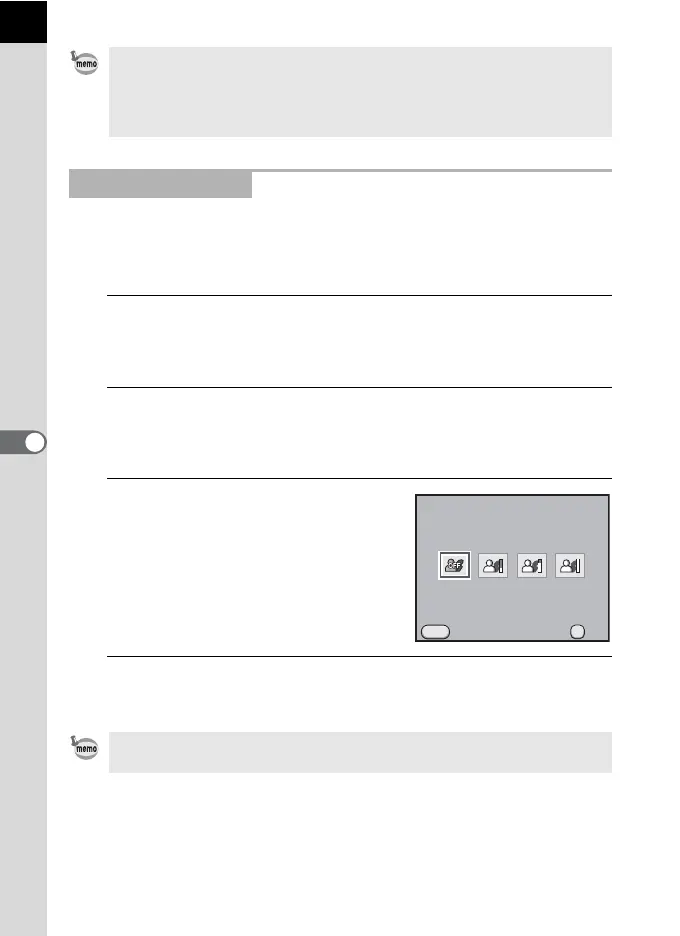
Use the four-way controller (45)
to select [Off], [Low], [Medium] or
[High].
4
Press the 4 button.
The camera returns to the control panel.
• When [Highlight Correction] is set to [On], the minimum sensitivity is set to
ISO 400. If [3. Expanded Sensitivity] in the [A Custom Setting 1] menu (p.89)
is set to [On], the sensitivity is set to ISO 200.
• [Highlight Correction] is fixed to [On] when the capture mode is set to
n (Stage Lighting) or l (Night Snap) of H (Scene) mode.
Shadow Correction
You can also set Highlight Correction and Shadow Correction in [D-Range
Setting] of the [A Rec. Mode 3] menu (p.88).
MENU
OK
OK
Shadow Correction
Cancel
Off



 To Next Page