74
Basic Operations
3
Using a Zoom Lens
Enlarge the subject (telephoto) or capture a wider area (wide angle) with
a zoom lens. Adjust the subject to the desired size and take pictures.
1
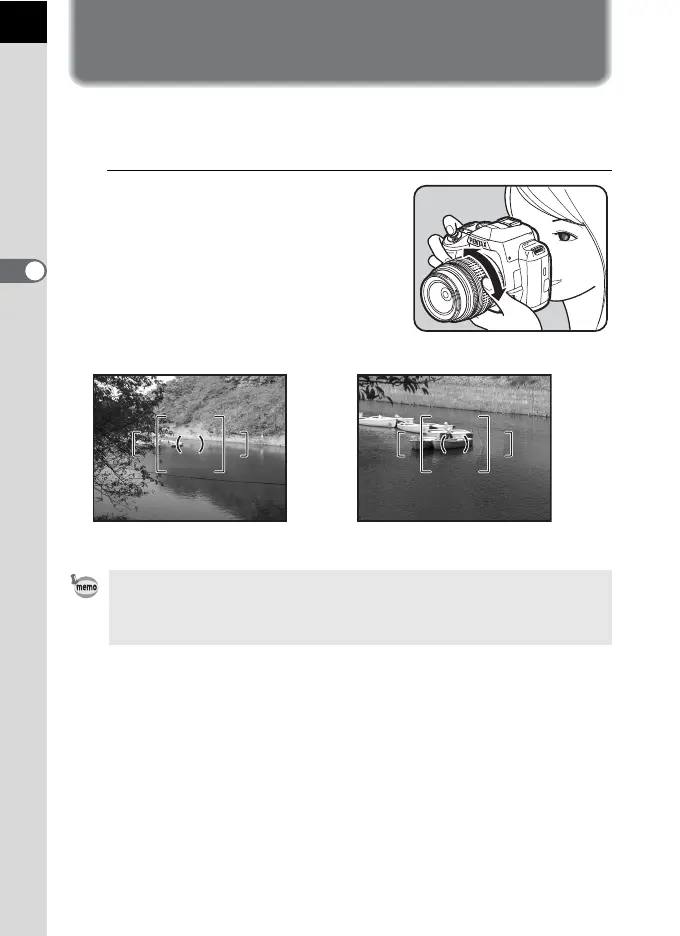
Turn the zoom ring to the right or
left.
Turn the zoom ring clockwise for
telephoto and counterclockwise for wide
angle.
• The smaller the number displayed for the focal length, the wider the angle.
The larger the number, the more magnified the image appears.
• Power Zoom functions (Image Size Tracking, Zoom Clip, and Auto Zoom
Effect) are not compatible with this camera.
M
F
AF
Wide Angle Telephoto



 To Next Page