210
Shooting Settings
6
• During HDR Capture, pressing the 3 button while an image is being
saved cancels the process and saves the image as a standard image.
• HDR Capture is fixed to [Auto] and [Auto Align] is set to O (On) when the
capture mode is set to Z (Night Scene HDR) of H (Scene) mode.
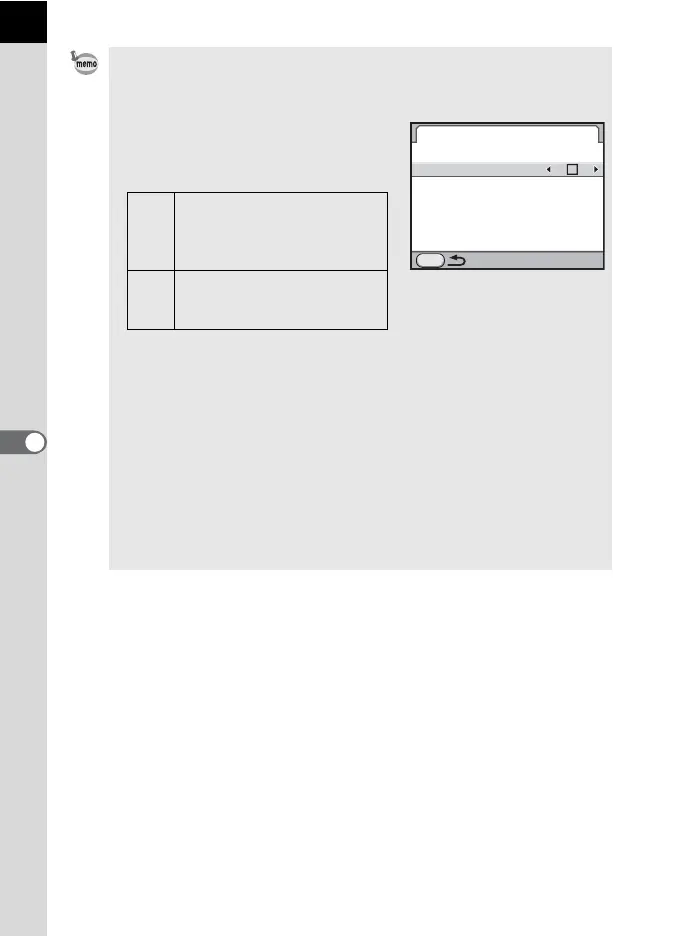
• You can set the [HDR Capture] setting
from the [A Rec. Mode 2] menu (p.87). If
you use the menu, you can also set the
[Auto Align] setting.
• When both [Shake Reduction] and [Auto Align] are set to on, be careful of the
following points.
- Make sure to hold the camera firmly so that the composition of the picture
does not change while the three images are taken. If there is a great
difference of the composition between three images, [Auto Align] may not
be possible.
- Images taken with HDR Capture are susceptible to camera shake and blur.
Be sure to set a higher shutter speed and a higher ISO sensitivity.
- When the ISO sensitivity is set to AUTO, the sensitivity can be raised more
easily than normal.
- [Auto Align] may not be possible for lenses that have a focal length
exceeding 100 mm.
- When the entire subject is checkered or has a uniform surface, [Auto Align]
may not be possible.
HDR Capture
MENU
Auto Align
HDR Capture
HDR
AUTO
P
Does not use Shake
Reduction regardless of the
Shake Reduction setting.
(default setting)
O
Turns Shake Reduction on or
off according to the Shake
Reduction setting.



 To Next Page
 Loading...











