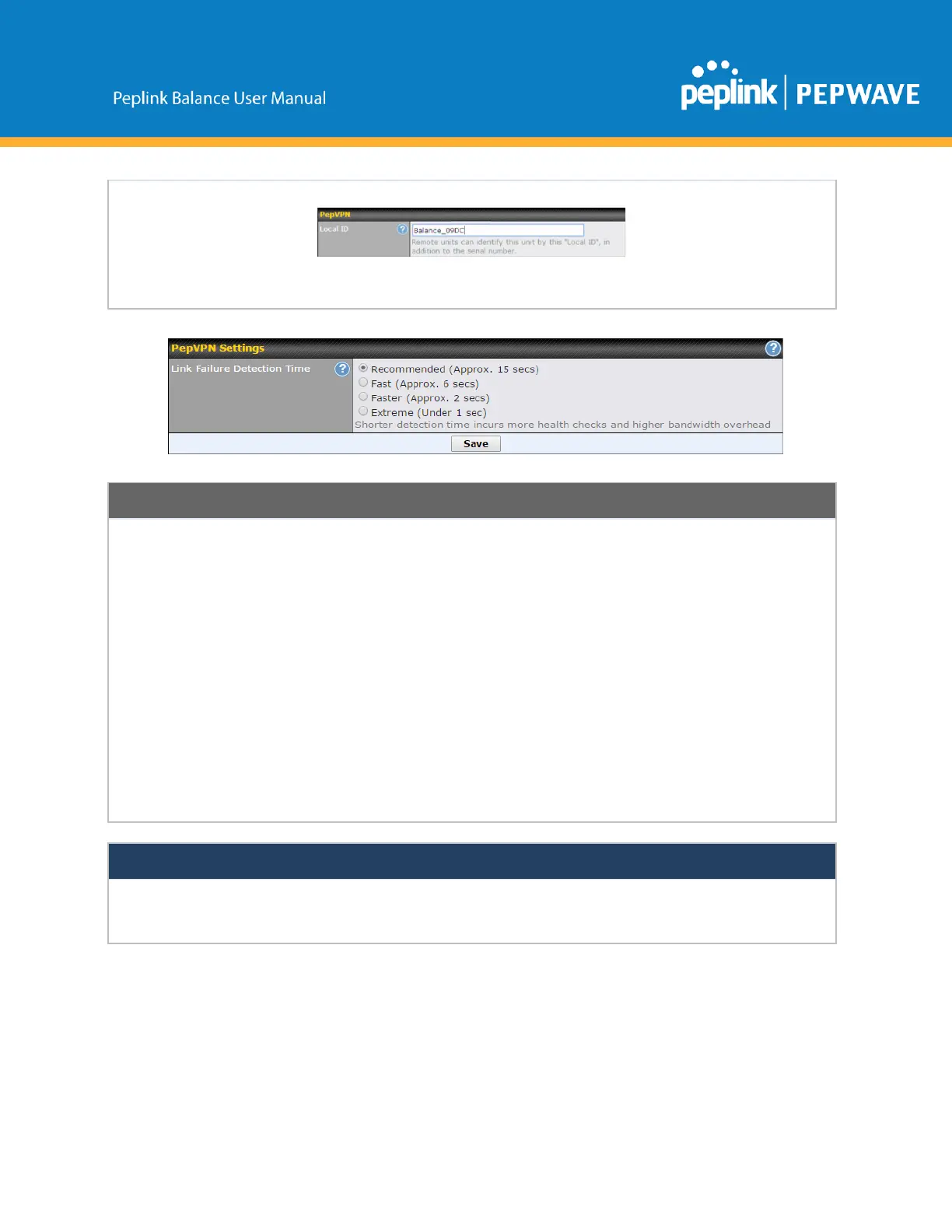
ThebondedVPNcandetectroutingfailuresonthepathbetweentwositesovereachWAN
connection.FailedWANconnectionswillnotbeusedtorouteVPNtraffic.Healthcheck
packetsaresenttotheremoteunittodetectanyfailure.Themorefrequentlychecksare
sent,theshorterthedetectiontime,althoughmorebandwidthwillbeconsumed.
WhenRecommended(default)isselected,ahealthcheckpacketissenteveryfive
seconds,andtheexpecteddetectiontimeis15seconds.
WhenFastisselected,ahealthcheckpacketissenteverythreeseconds,andthe
expecteddetectiontimeissixseconds.
WhenFasterisselected,ahealthcheckpacketissenteverysecond,andtheexpected
detectiontimeistwoseconds.
WhenExtremeisselected,ahealthcheckpacketissentevery0.1second,andthe
expecteddetectiontimeislessthanonesecond.
PeplinkproprietarySpeedFusion
TM
usesTCPport32015andUDPport4500forestablishingVPNconnections.If
youhaveafirewallinfrontofyourPeplinkBalancedevices,youwillneedtoaddfirewallrulesfortheseportsand
protocolstoallowinboundandoutboundtraffictopassthroughthefirewall.
SpeedFusion:ProfileConfiguration
ClicktheNewProfilebutton,orclickoneoftheexistingprofiles,andthefollowingmenuswillappear:



 To Next Page