OPC / OPD / OPE
Vision Configurator Software
2015-07
41
The Match Code menu item is active only if you have selected Match 1D/2D
under Inspection Type in Window Setup.
Match Code
Data Matrix Settings
The Pharma Code Settings menu item is active only if you have enabled reading
of Pharmacodes in Symbology.
Pharma Code Activates or deactivates reading of Pharmacodes
Min. code length 1D Enters the minimum code length for 1 D barcodes
Max. code length 1D Enters the maximum code length for 1D barcodes
Checksum (2i5) Evaluates the checksum for inte rleaved 2 of 5 codes
Suppress duplicate
reads
Enables or disables duplicate suppression, which prevents
the same code being read several times in succession.
Match string Enters the comparison string
Use last decode The last result string read is taken as the new comparison
string
Check position Checks the position of the read code
Delta X Horizontal range (+/-) in which the decoding is evaluated as
"good"
Delta Y Vertical range (+/-) in which the decoding is evaluated as
"good"
Code / background ■ Autodetect: Automatic detection of the code color and
code background
■ Regular (dark on light): Dark code on a light background
■ Inverse (light on dark): Light code on a dark background
Mirror Decoding ■ Both: Reads mirrored and non-mirrored codes
■ Not mirrored: Reads non-mirrored codes
■ M irrored: Reads mirrored codes
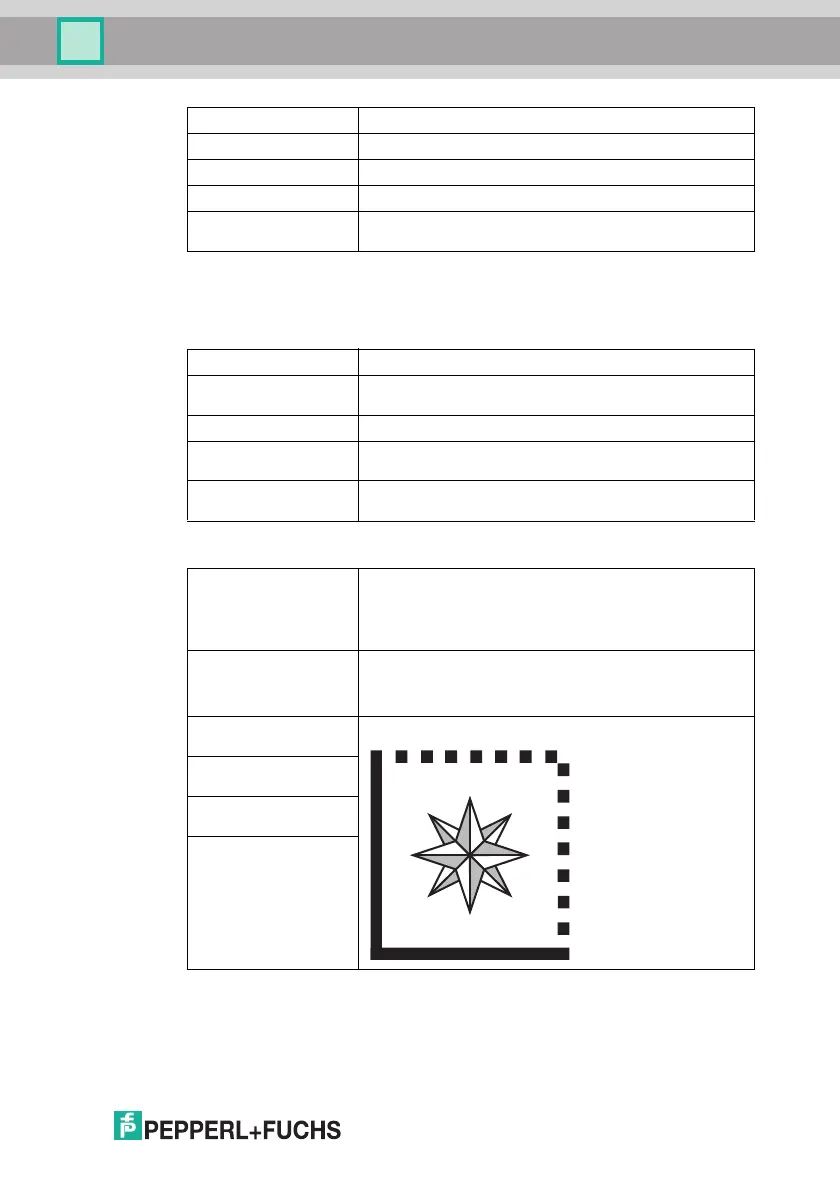
Symbol corner
orientation SW
Position of the corner formed from the continuous boundary
lines (finder pattern) of the Data Matrix code
Symbol corner
orientation NW
Symbol corner
orientation NE
Symbol corner
orientation SE



 To Next Page