2015-07
42
OPC / OPD / OPE
Vision Configurator Software
Pharma Code Settings
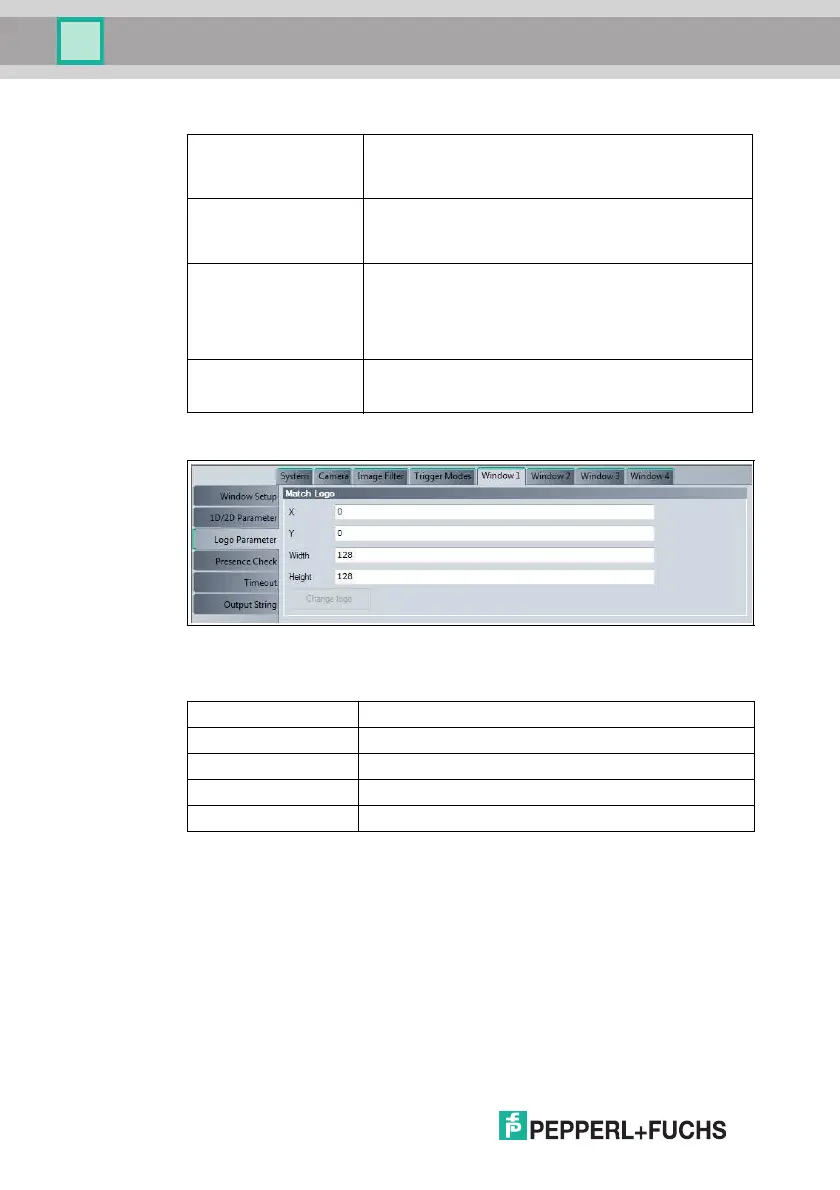
Figure 7.16 Window tab, Logo Parameter menu item
Match Logo
You can change the height and width of the New logo area window in 64 steps
only.
Orientation Orientation of the Pharmacode
■ Horizontal: Horizontal
■ Vertical: Vertical
Search start Direction from which a Pharmacode search is to start
■ Bottom/Right: From the bottom right
■ Top/Left: From the top left
Start interpreting Direction from which the Pharmacode is to be interpreted
■ Bottom/Right: Starting from the bottom or from the right,
depending on the orientation of the Pharmacode
■ Top/Left: Starting from the top or from the left, depending
on the orientation of the Pharmacode
Line verification Number of bars constituting the Pharmacode
Specifying this prevents accidental inte rpretation of too
many or too few lines.
Window Tab, Logo Parameter Menu Item
X X position of the New logo area window
Y Y position of the New logo area window
Width Width of the New logo area window
Height Height of the New logo area window
Change logo Activates the New logo area window



 To Next Page