PHYLINK Covert Network Camera User Manual
2.1.4 Wireless Installation with WPS function
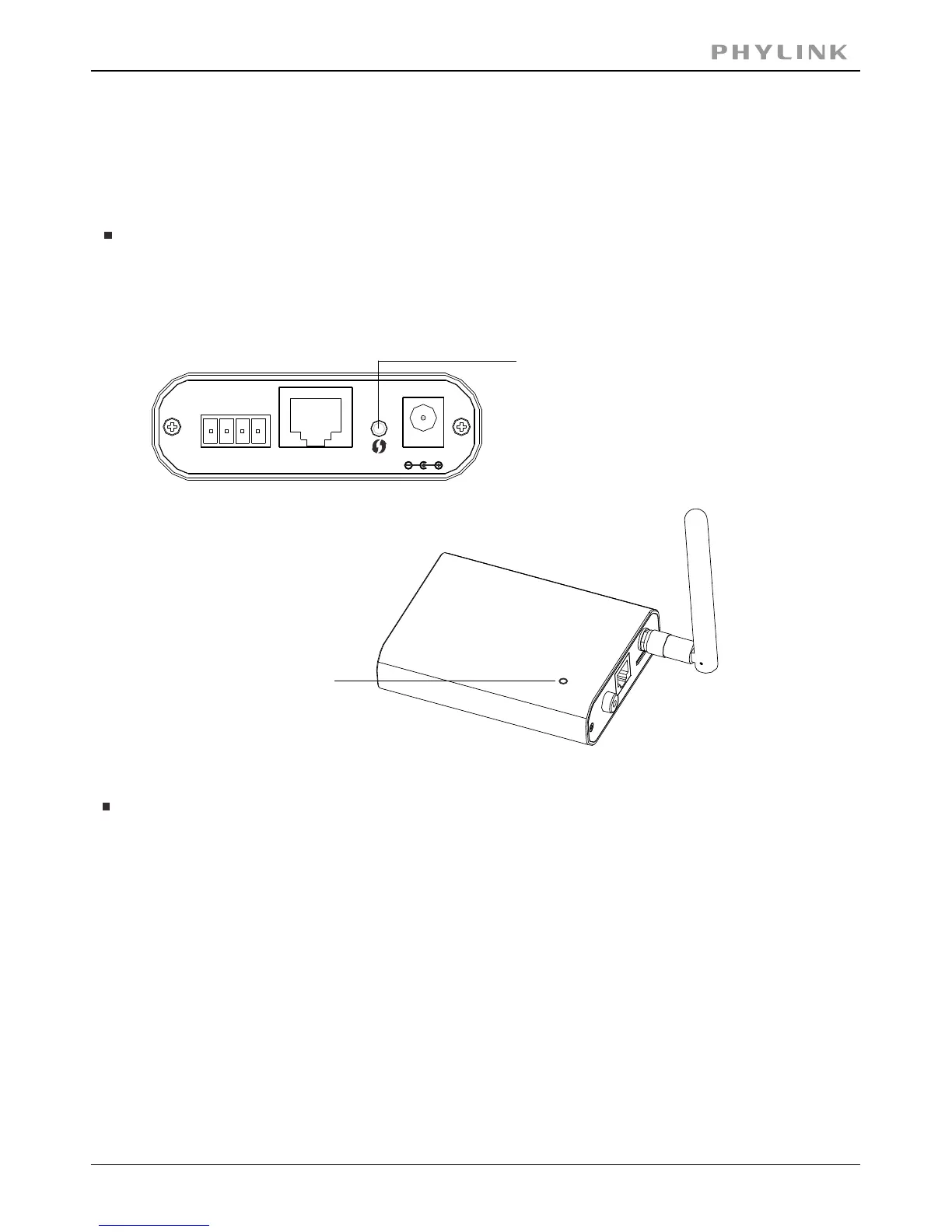
You may create a Wi-Fi connect using the on the .Reset/WPS Button Camera Cable
Note: On some routers, you may need to login to the web interface and then click
on an onscreen button to activate the WPS feature. If you are not sure where the
WPS button is on your router, please refer to your router’s User Manual.
Status indicator LED
will blink red light
The camera will automatically create a wireless connection to your router.
While connecting, the will always on and your camera will reboot.Status indicator LED
Step 2
Press the on your router within 60 seconds.WPS button
WPS function also called (Quick Secure Setup) on some brands of router.QSS
Step 1
After the camera is powered on, short press the on theReset/WPS button Main Unit
and the will blink red light.Status indicator LED
Short press the
Reset/WPS button
DC12V
LAN
Reset
I/O
1



 To Next Page