PHYLINK Covert Network Camera User Manual
3.7.2 System
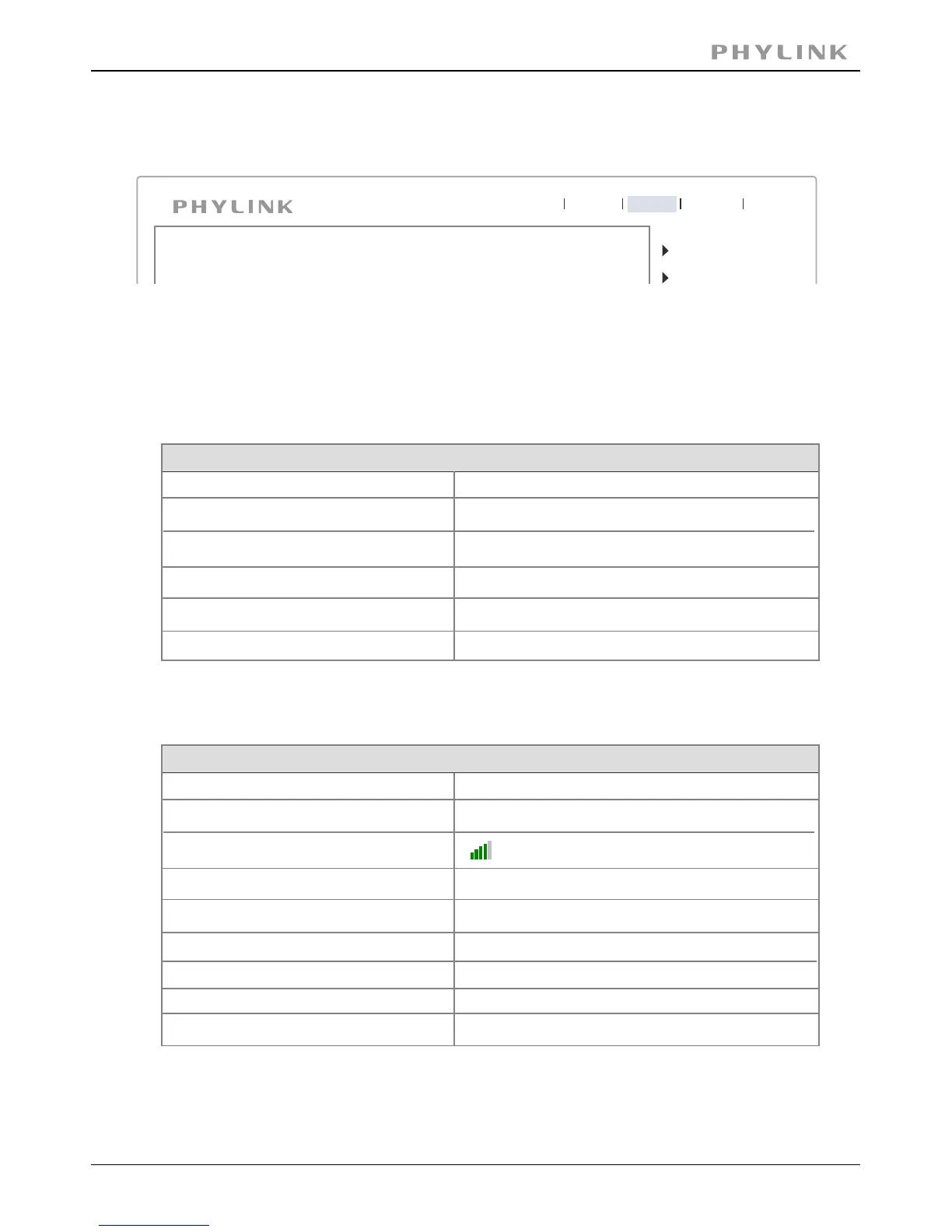
Click System to see the system information about your camera.
Camera
Network
Live View
Wizard
System
Support
Reboot
This screen is one of the most useful in the settings. This screen lists information you may
need if you want connect to your camera from other systems. It’s a great way to check if
your camera has all the details needed to operate correctly.
System
16 Days 20:55:29
PLC-233W
Model:
System up time:
BIOS/Loader version:
Firmware version:
2.1 (build 0002)
5.80 (build 20141031)
System Information
ActiveX Control version:
1,2,6,1
MAC address:
7c:dd:90:70:26:c0 (7CDD907026C0)
[ ] Your current firmware version. Check the phylink.com websiteFirmwareVersion
to see if there are updates for your model.
Wireless
Netgear_D01F22
Connected
Status:
SSID:
Signal:
Mode:
infrastructure
Channel:
channel 11
Security mode:
WPA2-PSK
IP mode:
Dynamic
[ ] The current status and strength of your wireless connection.Wireless
IP address:
192.168.1.100
Subnet mask:
255.255.255.0
[ ] The internal IP address of your camera so you can access it onIP address
your local network.



 To Next Page