PHYLINK Covert Network Camera User Manual
3.5.2 Schedule Setup
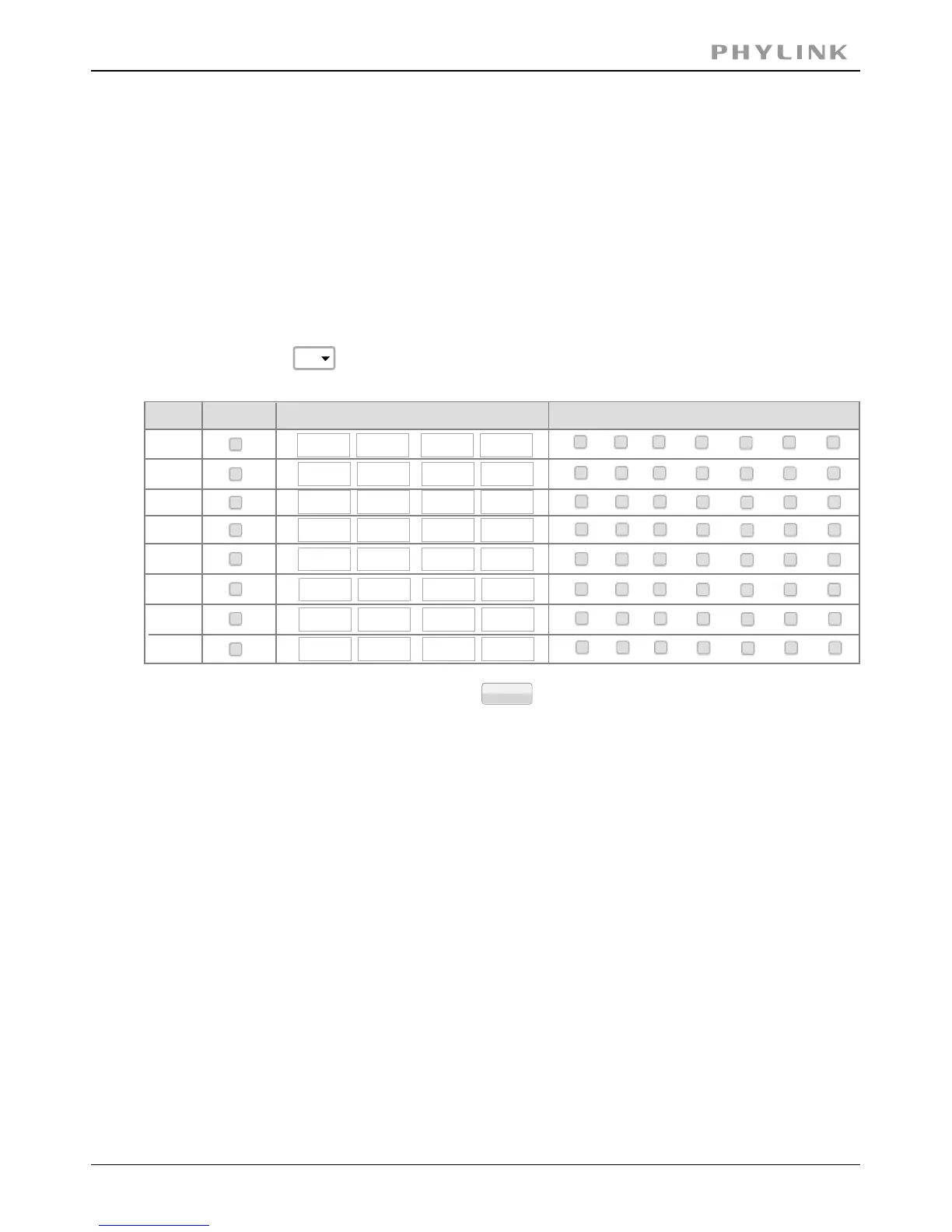
The alarm that the motion detection triggers can be set to be active or inactive at
certain times of the week.
You can set up to 4 schedules, and for each schedule, you are allowed to set up to eight
timetables.You can use these to send alarms to different places, such as emails, FTP ,
SD card or NAS.
[ ] Select the ID, you can save up to four schedules and use them forSchedule ID
different purposes.
[ ] Start time of the alarm.Start time
[ ] End time of the alarm.End time
[ ] You can choose any day among Monday to Sunday to set the trigger alarm.Days
Click Apply to confirm your setting.
Schedule Setup
Schedule ID:
1
No.
1
S
M
T
W
T
F
S
Days
Enable
Time
0
:
0
-
24
:
0
0
:
0
-
24
:
0
0
:
0
-
24
:
0
0
:
0
-
24
:
0
0
:
0
-
24
:
0
2
3
4
5
6
7
8
Apply
0
:
0
-
24
:
0
0
:
0
-
24
:
0
0
:
0
-
24
:
0
S
M
T
W
T
F
S
S
M
T
W
T
F
S
S
M
T
W
T
F
S
S
M
T
W
T
F
S
S
M
T
W
T
F
S
S
M
T
W
T
F
S
S
M
T
W
T
F
S



 To Next Page