PHYLINK Covert Network Camera User Manual
Delete
Back
Password:
Re-type password:
User name: Admin
Edit User
Save
3.1 Camera Setting Interface
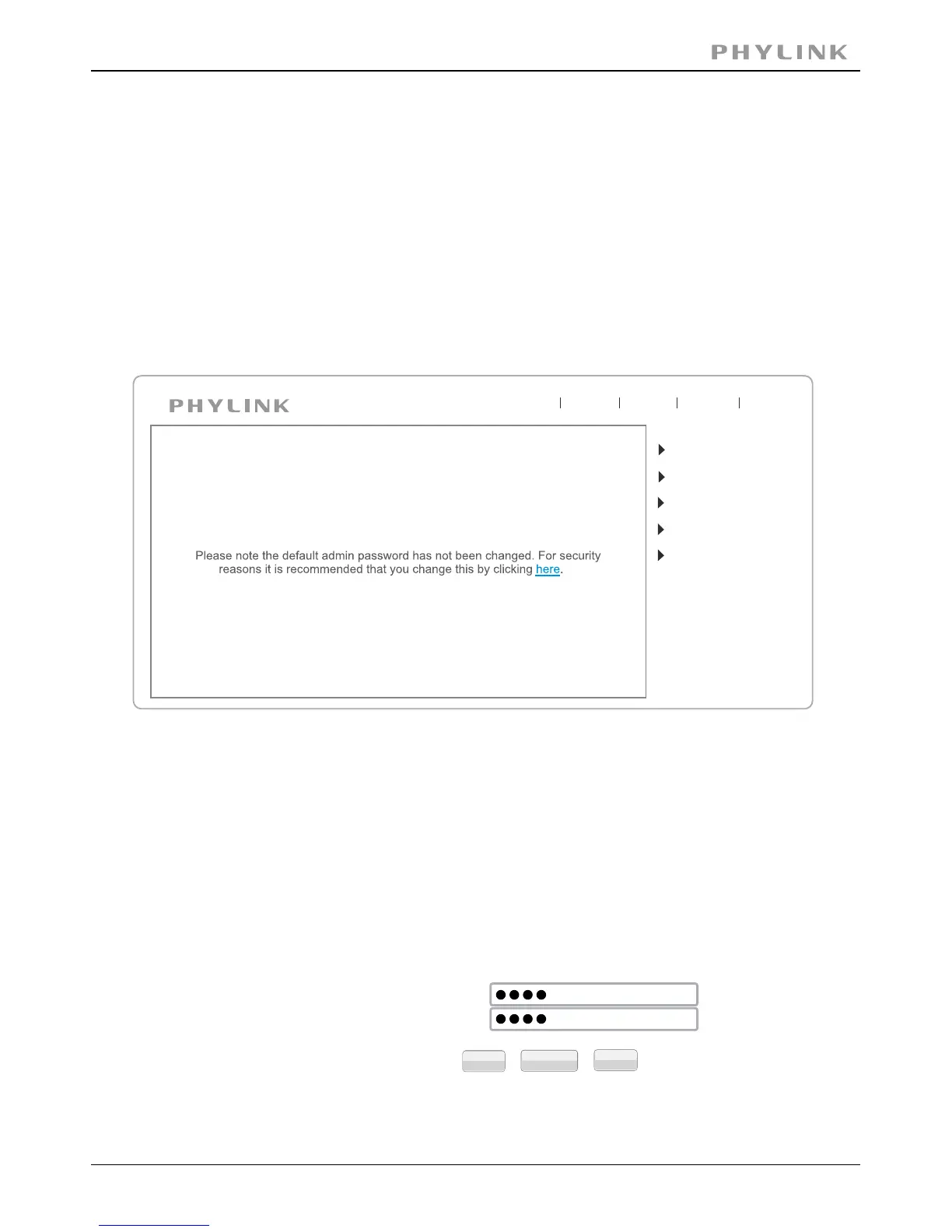
Click on Setting button from the home page. When connecting the camera for the first
time or after resetting it to its default settings, the setup interface start page below
will load. It is recommend that you change the admin password in order to avoid
unauthorized access to the camera. To do this follow the instructions by clicking on
the underlined link“here”to access administrator password editing page.
Type the password in both fields then click Save. Please take note of the password.
If you forget the password, the camera will have to be reset to its default settings in
order to gain access to the settings page and this will also reset all other settings you
may have changed.
Camera
Network
CAMERA SETTINGS
Storage
Task
Tools
Live View
Wizard
System
Support
Reboot



 To Next Page