PHYLINK Covert Network Camera User Manual
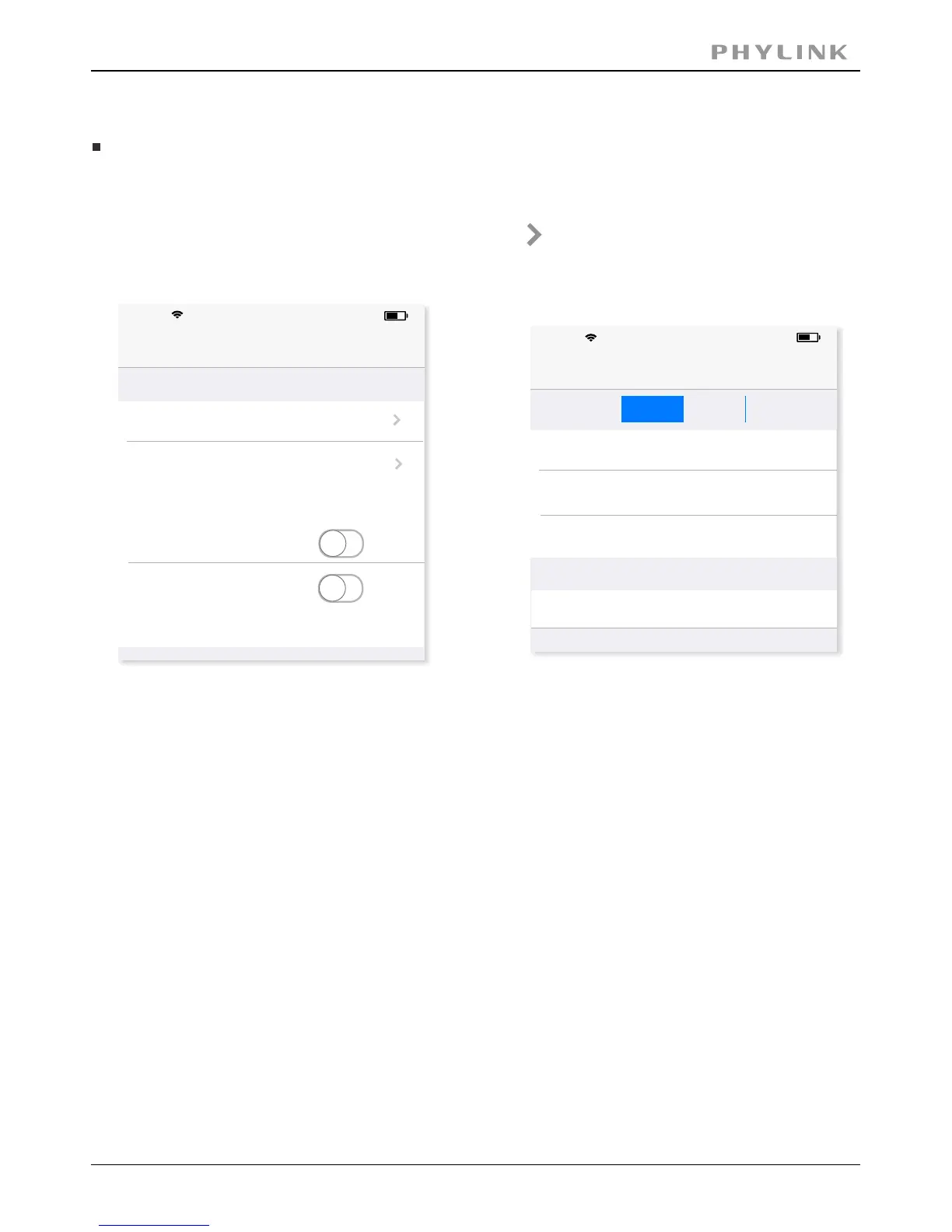
The settings for these can be adjusted. Press on for the settings of
stream profiles.
There are two pre-programmed stream profiles: primary stream and
secondary stream. These streams profiles help for quick setup.
[ ] Two options: 50Hz & 60Hz. Set according to the mainsEnvironment Mode
frequency in the country of use.
For UK this would be 50Hz. For US this would be 50Hz.
There are four quality level of video can be set quickly.
You can also make further changes to the details of quality.
Please note that the higher the video quality, the more network bandwidth you will
need to support it.
[ ] The Pre-Recording Time control how long the video isPre-Recording
recorded before motion detection is detected by a camera. You can fill a value
of seconds to adjust this times.(The Max value is 10 seconds)
2.2.3 Advanced settings on iOS device
Video Quality
Video Quality
17:52
62%
Back
Primary Stream
Secondary Stream
Environment Mode
50Hz
Horizontal Flip
Vertical Flip
On-Screen-Display
Disable
Stream Setup
17:52
62%
Back
Image Size
Frame Per Second
Bitrate (Kbps)
Confirm
PoorMediumBest
Good
640x480
15
512
Pre-Recording (sec)
0
iPhone
iPhone
Video pre-recording allows the camera to record up to 10 seconds of video
leading up to a related trigger event. It will allows users to review the
moments before the camera was triggered.
Moving objects triggered motion detection recording function, but the
delay problems caused the loss of data images in the beginning of the
event, in some situations, these are very important. Video pre-recording
will help you catch everything.



 To Next Page