3.7 Advanced functions
3.7.1 Wizard
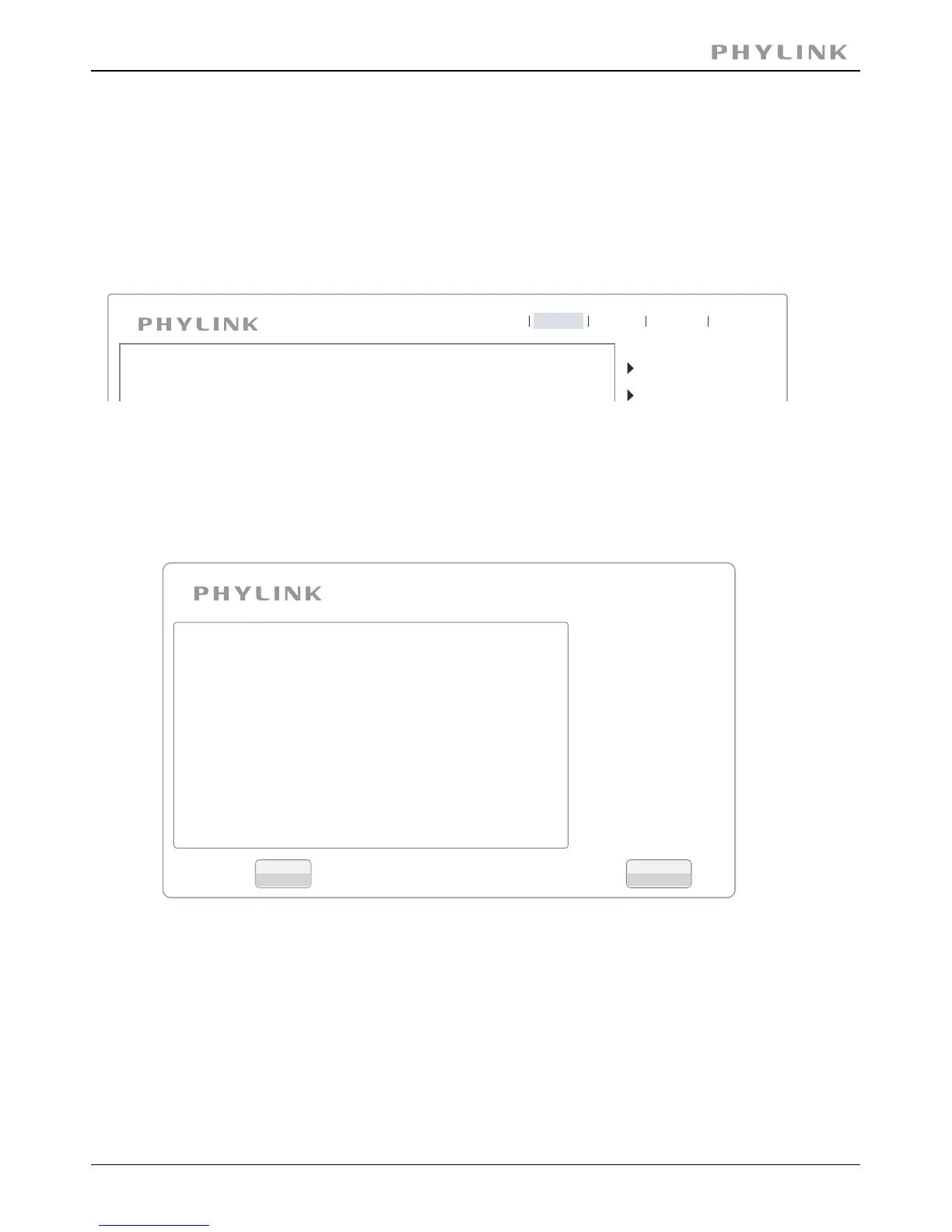
In order to facilitate the setup of the camera there is a Wizard that helps non technical
users setup the camera easily. Click on at the top of the window to launch theWizard
wizard.
Camera
Network
Live View
Wizard
System
Support
Reboot
The Quick setup interface will pop up. Follow the simple instructions on the screen and
enter the required details, clicking next to proceed to the Next page.
Welcome
Camera Setup
Date & Time
Wlan setup
IP setup
Finish
Welcome to the camera setup wizard. You
will now be guided through the setup
process. Click Next to continue.
Note: you will be able to change all of these
settings at a later time should you wish to
do so.
Close
Next
PHYLINK Covert Network Camera User Manual



 To Next Page