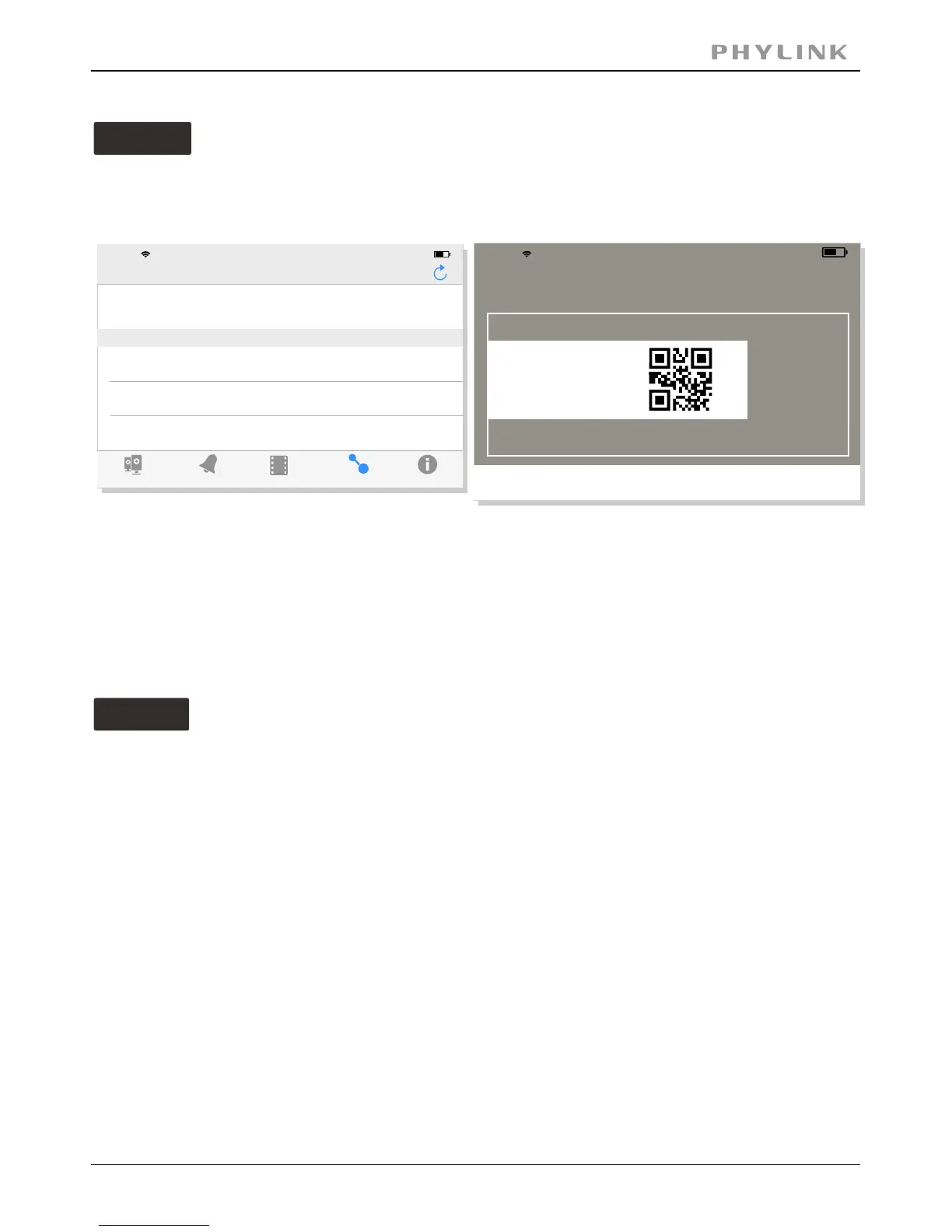
Option 2
Scan the camera UID using smart phone
Enter " ". (The default password is "admin".)Password
Assign a " " to the camera to help identify this camera if more than oneName
camera is in use.
Press " " button and your camera will show up under “ ”.Save Camera List
Manually type UID
Option 3
Enter " ". (The default password is "admin".)Password
Assign a "Name" to the camera to help identify this camera if more than one
camera is in use.
Press " " button and your camera will show up under “ ”.Save Camera List
If you camera is not in the same Local Area Network with your Smart phone,
the App can NOT search cameras for Local Network.
PHYLINK Covert Network Camera User Manual
Press " " button to scan the camera UID from the UID sticker on the .QRCode Main Unit
Press " " button and manually type "UID" according to the UID sticker on theAdd
.Main Unit
Event
Playback
Add Camera
Info
Camera
Add Camera
17:50
63%
Camera Found! (2)
Camera Found! (2)
Add
QRCode
VNW5V15K6RY7J4VWC7W1
192.168.168.102
THG5T55K2RY7K1VWC7XJ
192.168.168.103
17:50
63%
Place a barcode inside the
viewfinder rectangle to scan it.
Cancel
Light
iPhone
iPhone



 To Next Page