PHYLINK Covert Network Camera User Manual
2.4 Camera installation on PC
2.4.1 Camera Live installation on PC
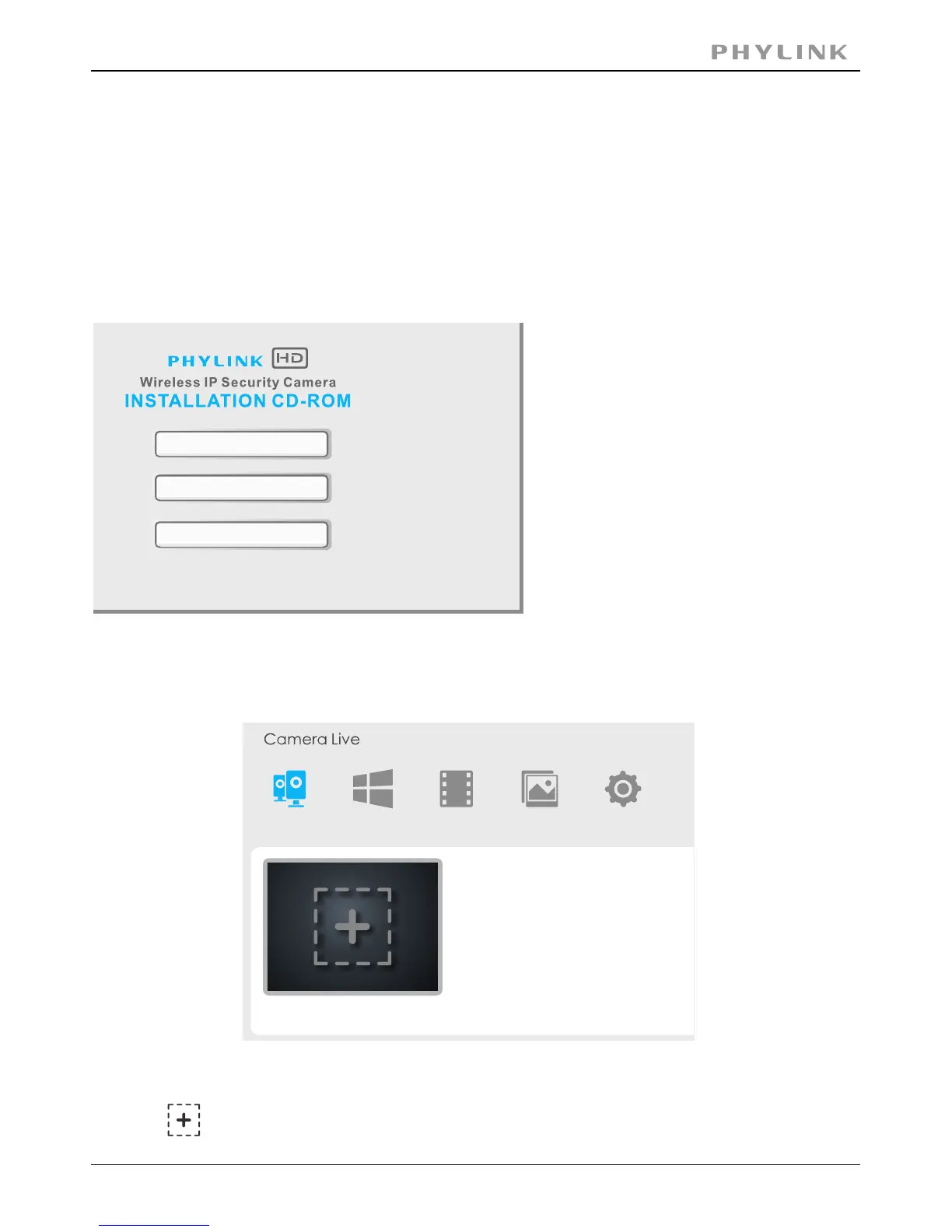
Insert provided installation CD into computer's CD-ROM drive and then the installation
window will appear. Click on the " " button and follow the setup wizardInstall Camera Live
to complete the software installation.
Note: If the Installation CD program
does not start automatically open
CD-ROM drive and double click on
"autorun".
Double click the Phylink Camera Live icon to start the software after the
installation is completed.
Click on to add a camera, a pop-up window will appear as below.
Camera
Multilive Video Album
Setup
Install Camera Live
Documents
Exit
2.4.2 Add a camera to Camera Live



 To Next Page