2.4.3 Play, Delete and Modify cameras
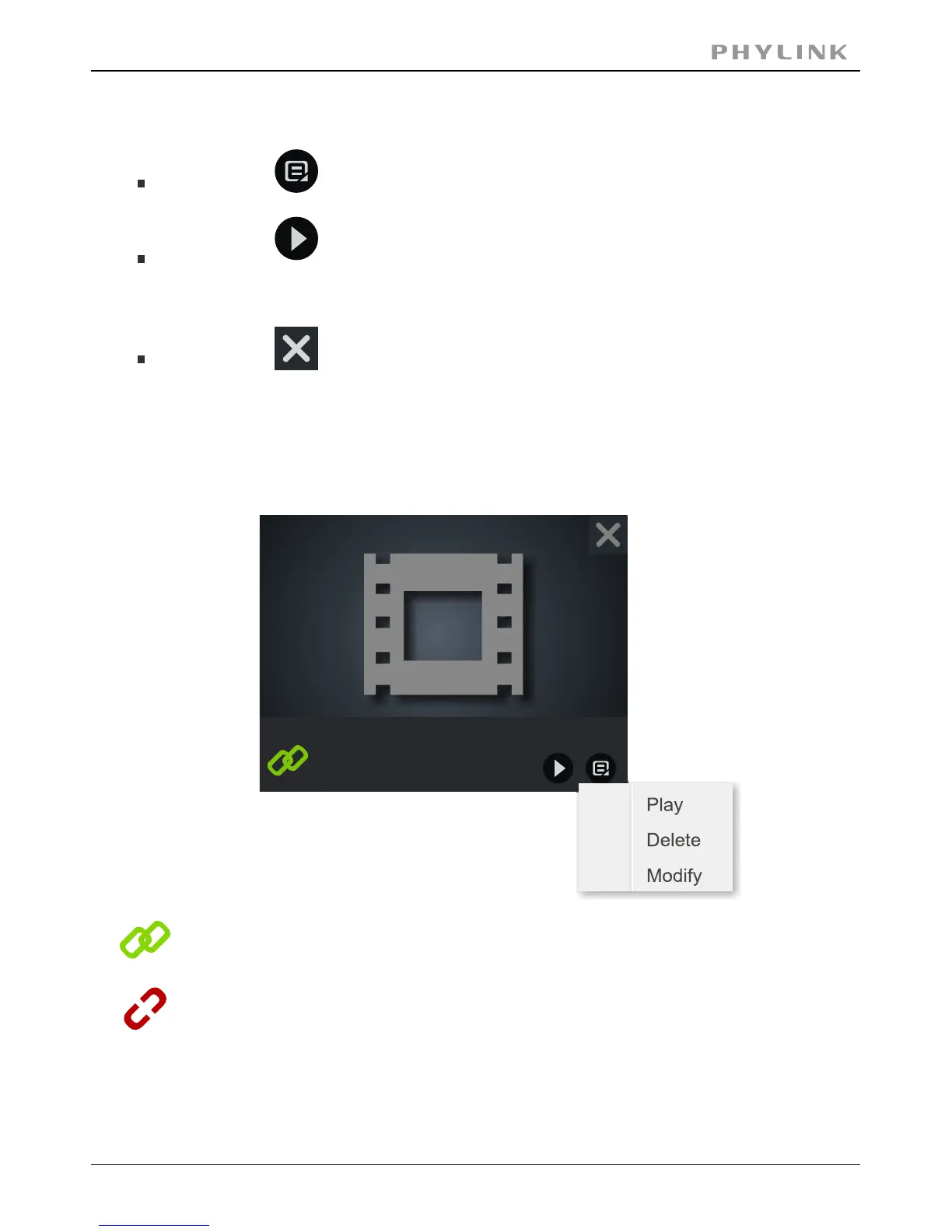
Click on “menu” button to play/delete/modify camera.
Click on ”play” button for live viewing. Or you can double click on
the for live viewing.Camera preview
Click on ”delete” button to delete a camera has been added.
Camera
CVZMNUX5A6T2K5VM8RE7
Camera preview
In the lower left corner of camera preview, there is a camera connection status
indication icon.
This icon indicates that the camera is online and connection established.
This icon indicates that the camera is in disconnection status.
In this state you can not connect and view the camera.
Please check the UID and password you entered or your internet
connection. Also check the of your camera.Hardware Installation
PHYLINK Covert Network Camera User Manual



 To Next Page