PHYLINK Covert Network Camera User Manual
Disable power LED light
Camera Setup
System:
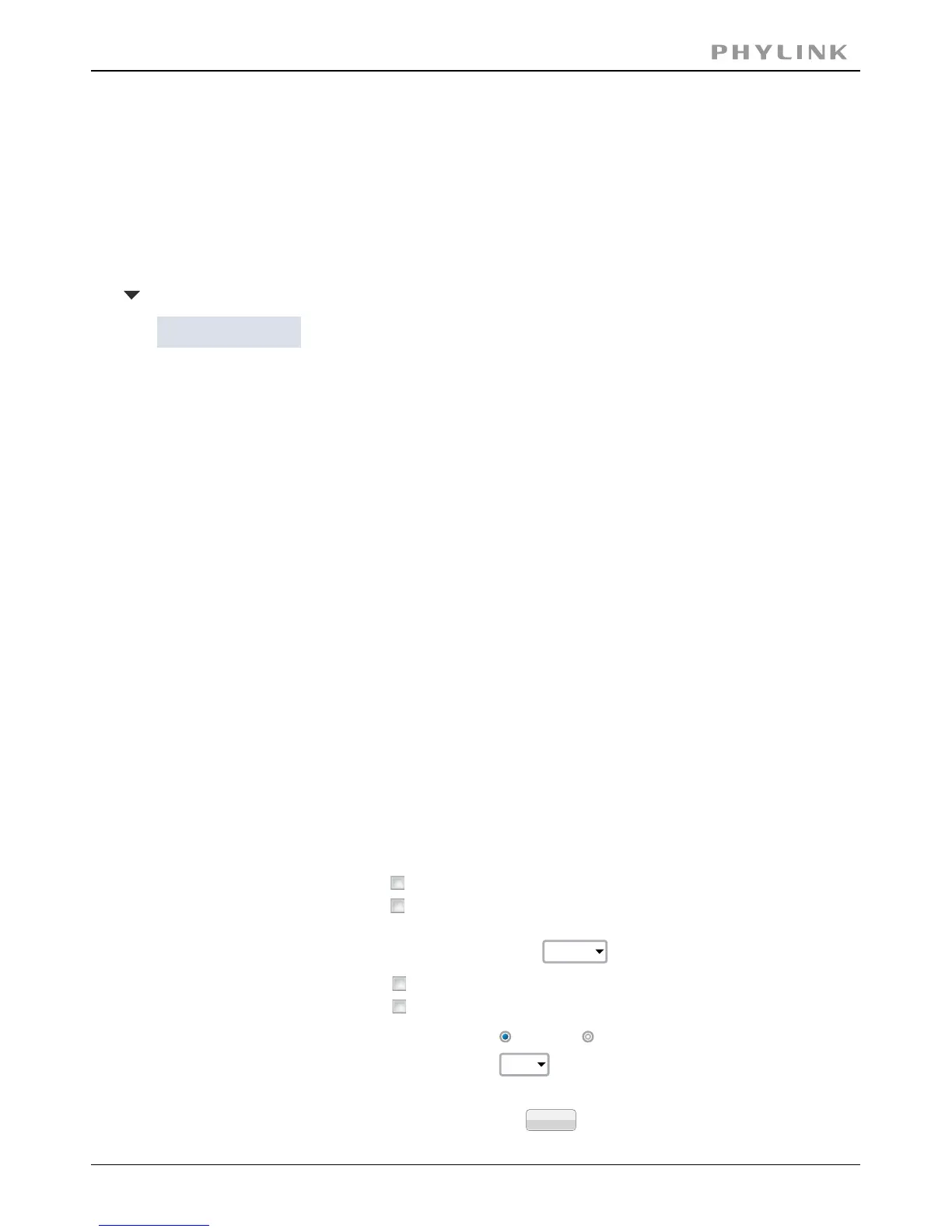
Enable privacy mode
Volume:
Light frequency:
Enable image mirror
Enable image flip vertical
60Hz
Camera:
Microphone:
8
Enable
Disable
Apply
From the home page click setting button and enter the administrator user name and
password. Click on Camera Setup under the title Camera to change the image and
audio parameters of the camera.
The video of camera display always a static colored stripes for[Enable privacy mode]
protecting your privacy.
The Status LED will been power off.[Disable power LED light]
Two options: 50Hz & 60Hz. Set according to the mains[Light frequency]
frequency in the country of use.
For UK this would be 50Hz. For US this would be 50Hz.
Turn on/off the built-in microphone.[Microphone]
Adjusts the volume from 0~14 where 0 is the lowest.[Mic volume]
Click Apply to confirm your settings.
Camera
Camera Setup
Stream Setup
OSD Setup
Night Vison Setup
3.2.1 Camera Setup
3.2 Camera



 To Next Page