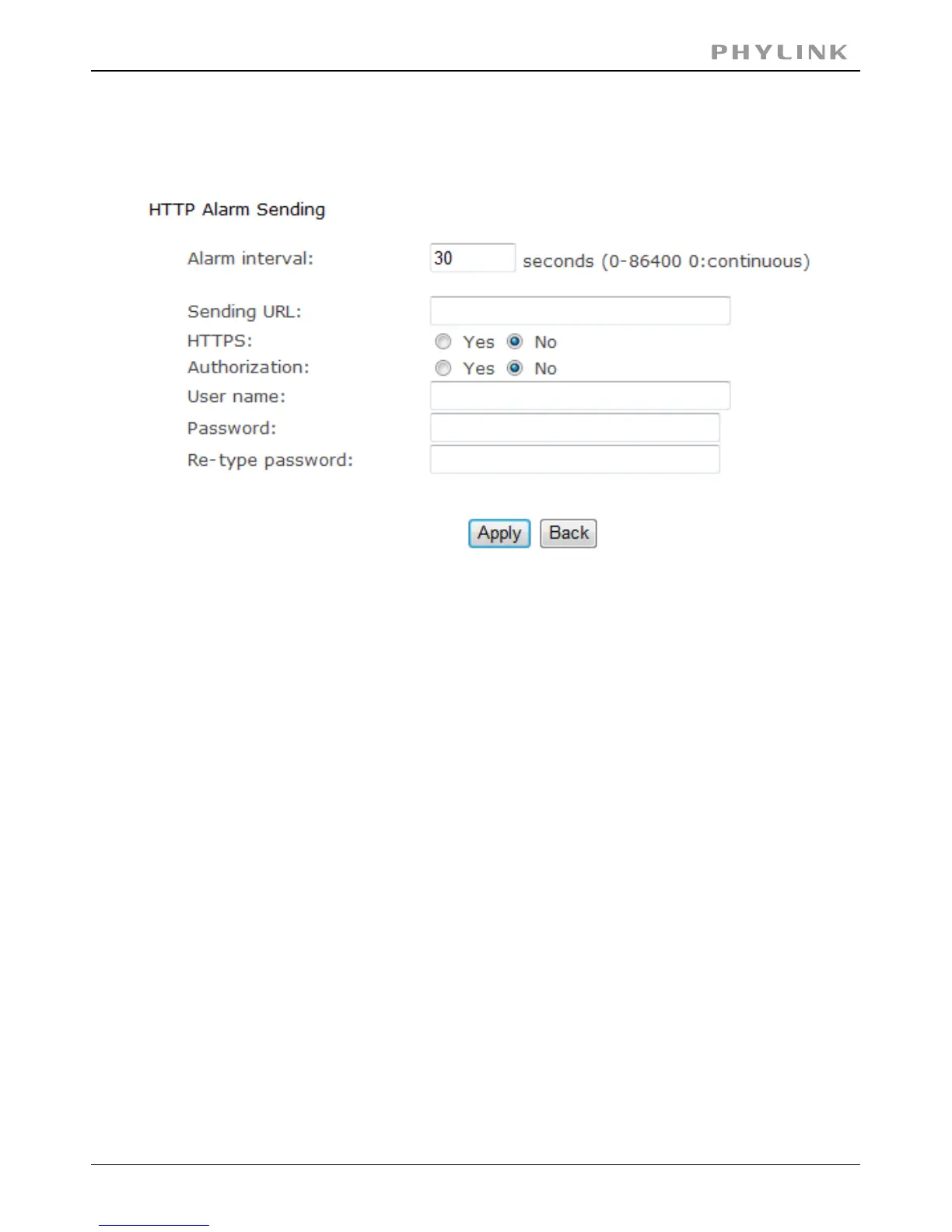
3.5.3.5 HTTP alarm sending
[Alarm interval] Input the FTP server name.
Input the HTTP server name.[HTTP server name]
As default 80.[HTTP server port]
SelectYes.[Authentication]
Type your HTTP user name.[User name]
Type your HTTP password.[Password]
Re-type your HTTP password.[Re-type password]
Input the URL, the camera will give an alarm to it.[Sending URL]
Click to confirm your setting.Apply
PHYLINK Covert Network Camera User Manual



 To Next Page