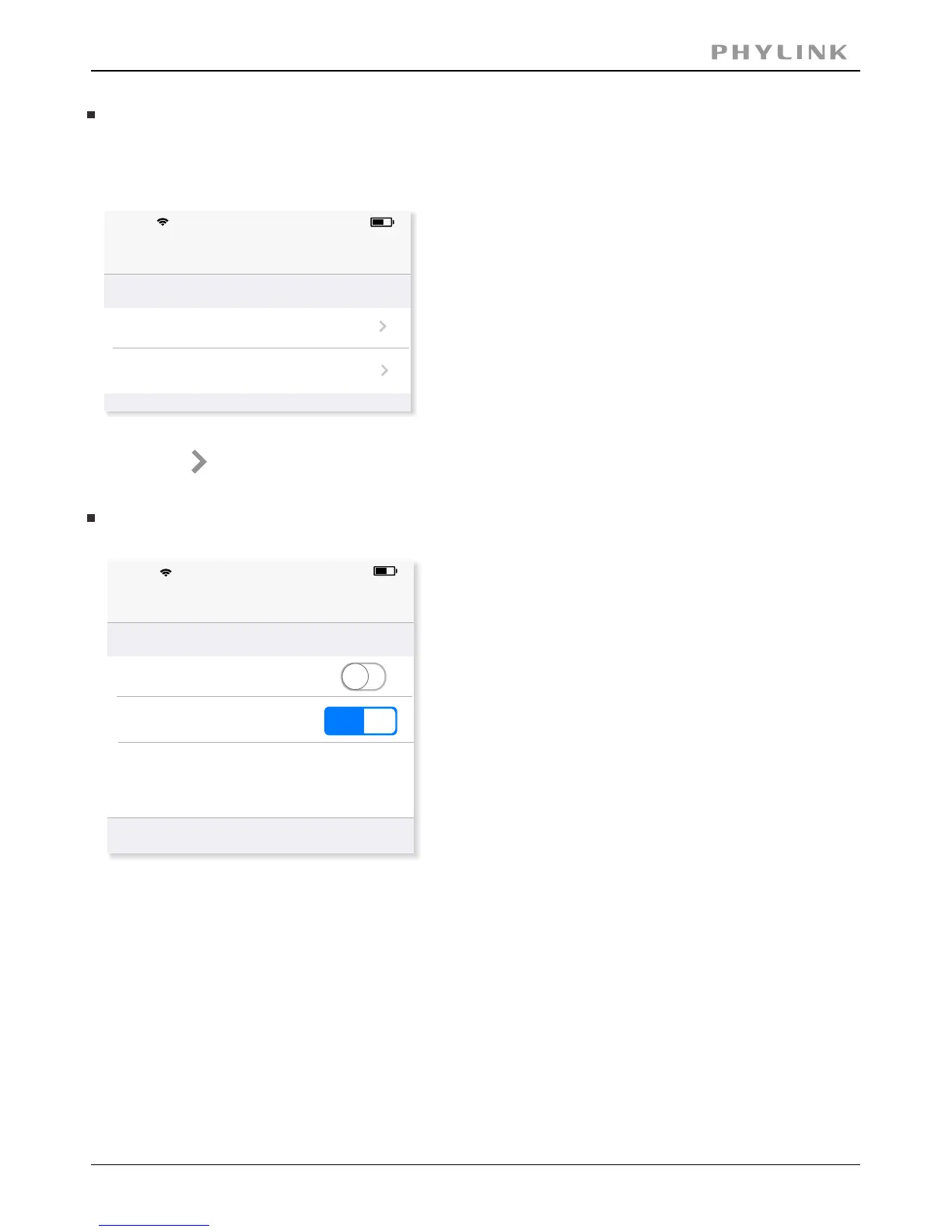
Alarm Recording
Alarm Actions
The camera refers to motion detection as an“alarm”. If any alarm occurs, the
camera can trigger a recording and send an email.
Press on to enter the Alarm Recording settings or Alarm Email settings.
In the Alarm Recording settings, you can turn on or off the Alarm Recording feature.
You can select which
stream profile to record.
[ ] The number of seconds that the camera should keep recordingPost-Recording
video after motion stops. If there is any motion within this time the camera will keep
recording until there is no motion for the duration of this parameter. It can be from
5 seconds to 24 hours.
The video can be recorded into many split files for better management[File Split]
and index. You can set the recording time for each split file.
PHYLINK Covert Network Camera User Manual
Alarm Actions
62%
17:52
Back
Alarm Recording
Alarm Email
iPhone
Alarm Recording
17:52
62%
Back
Alarm Recording
Record Stream
Post-Recording (sec)
File Split (sec)
Confirm
1st 2nd
60
30
iPhone



 To Next Page