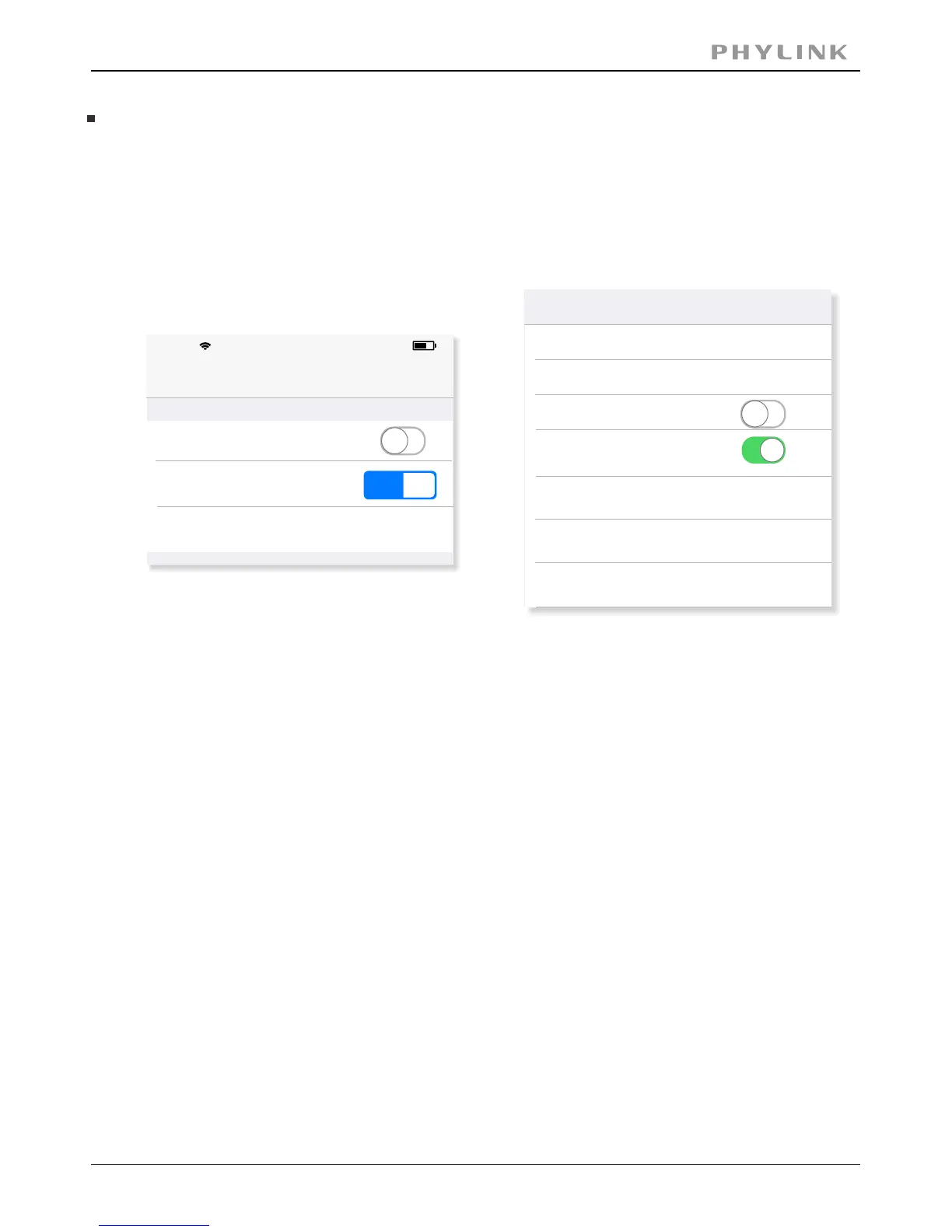
Alarm Email
Alarm Email
17:52
62%
Back
Email Sending
Snapshot Stream
Email Interval (sec)
Confirm
1st 2nd
60
General Setting
SMTP Email Server Setting
Server
Port 25
SSL Connection
Authentication
Account
Password
Sender
For automatic emailing you will need both a mail server and one or more email
receiving addresses.
If you don’t have this information handy you may want to refer to your internet
service provider’s help pages or other email program account settings.
[]Email Interval .Input the interval between two E-mails
If you do not want to send mail too frequently, you can increase the time interval
to send the E-mail.
[Server] Input your E-mail’s SMTP server name.
25, as default.[Port]
Select . For Gmail, select .[SSL connection] OFF ON
It depends on the mail system.
Select .[Authentication] ON
your E-mail user name.[Account] Input
Input your E-mail password.[Password]
Input the sender mail address[Sender]
Input the receiver mail address.[Receiver mail address]
In the Alarm Email settings, you can turn on or off the Alarm Email feature.
You can select the
stream profile to .snapshot for mail
PHYLINK Covert Network Camera User Manual
iPhone



 To Next Page